Examples of fundraiser flyers: 7 Proven Tactics to Boost Donations in 2026
Examples of fundraiser flyers: 12 proven designs and tips to craft compelling flyers that boost awareness and donations

Abdifatah Ali
Co-Founder
A well-designed fundraiser flyer does more than just announce an event; it inspires action, communicates your mission, and can be a powerful tool for cutting through digital noise. But what separates a flyer that gets results from one that ends up in the recycling bin? It comes down to a blend of compelling visuals, clear messaging, and a strategic understanding of your audience. This guide moves beyond simple templates to provide a deep analysis of real-world examples of fundraiser flyers that work.
We will break down the specific elements that make them effective, from headline copy and image selection to QR code placement and accessibility. When designing your flyers, remember their ultimate goal is to effectively communicate and highlight various available Fundraising Opportunities. Our analysis will equip you with actionable insights and replicable strategies to craft flyers that not only look great but also drive meaningful support for your cause.
This listicle offers a curated collection of effective flyer examples, complete with downloadable templates from platforms like Canva and Adobe Express, layout notes, and performance tips. You will learn precisely how to apply these strategic lessons to your own nonprofit's outreach efforts, ensuring your next flyer generates buzz and boosts donations.
1. Canva (Canva for Nonprofits)
Canva has become a go-to design platform for many, but its dedicated program for charities, Canva for Nonprofits, makes it an essential tool for creating professional fundraiser flyers without a budget. This program gives eligible organizations free access to Canva Pro features for up to 50 team members. This access unlocks a massive library of premium templates, photos, and design elements, all manageable through a simple drag-and-drop interface.

The platform stands out because it solves the classic nonprofit dilemma: the need for high-quality marketing materials with limited time, staff, and money. Instead of starting from scratch, teams can search for examples of fundraiser flyers for bake sales, charity runs, or galas and customize them in minutes. The Brand Kit feature ensures every flyer maintains consistent branding by storing logos, color palettes, and fonts for easy access. This consistency builds brand recognition, a key component of successful donor engagement.
Strategic Breakdown
Actionable Takeaways
To make the most of Canva, nonprofits should first apply for the free program at Canva for Nonprofits. Once approved, set up your Brand Kit immediately. For your flyer, choose a template with a clear visual hierarchy and a prominent spot for a QR code linking to your donation page. Use high-quality, emotionally resonant images of your work in action rather than generic stock photos. For more on creating compelling donation pages and other fundraising strategies, review these nonprofit fundraising best practices. After designing, use Canva Print for direct ordering and shipping within the U.S., which simplifies the entire process from creation to distribution.
2. Adobe Express (formerly Adobe Spark)
Adobe Express, the evolution of Adobe Spark, is a powerful design tool ideal for nonprofits seeking high-quality visuals without the steep learning curve of professional software. While it doesn't have a widely advertised free nonprofit program like Canva, its premium version offers a robust suite of features that justify the cost for organizations already invested in the Adobe ecosystem. The platform provides access to the extensive Adobe Stock photo library, thousands of premium fonts, and a host of powerful editing tools.
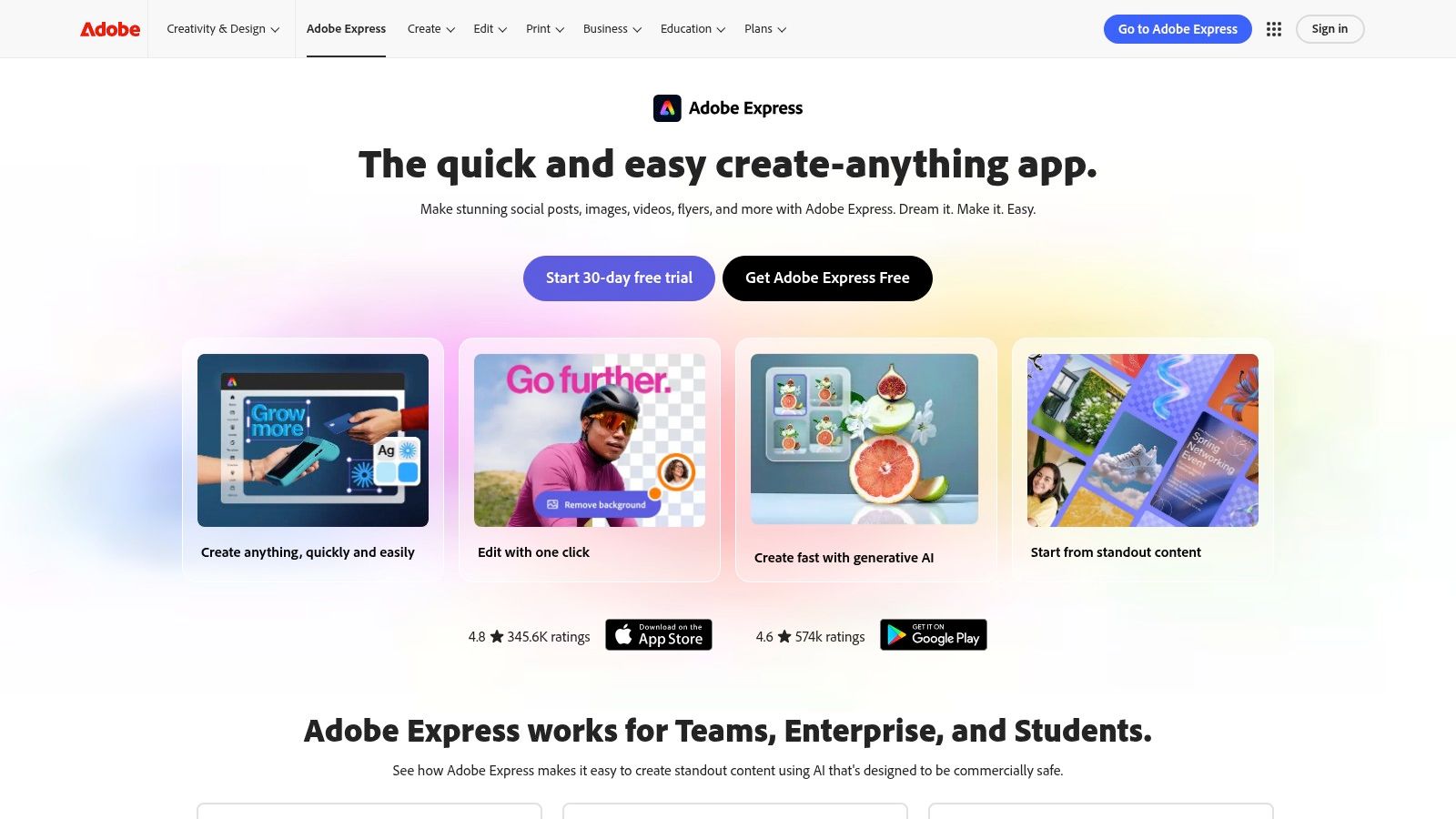
The platform’s key advantage lies in its seamless integration with other Adobe Creative Cloud applications, making it perfect for teams with a designer on staff. You can easily find professionally designed examples of fundraiser flyers and customize them using brand kits to ensure consistency. Features like one-click resizing for different social media platforms and a built-in content scheduler allow a single flyer design to be repurposed into a full campaign, saving significant time and effort. This allows teams to maintain a polished and consistent visual presence across all marketing channels.
Strategic Breakdown
Actionable Takeaways
To get started, explore the free version of Adobe Express to test its interface and features. If your team decides to upgrade to Premium, prioritize setting up your brand kit to ensure all materials align with your organization’s identity. When creating your flyer, use the search function to find event-specific templates like "charity gala" or "bake sale fundraiser." Take advantage of the Adobe Stock integration to find authentic, compelling images that tell your story. For a deeper understanding of how visual elements contribute to your organization's identity, explore this detailed nonprofit branding guide. Finally, use the integrated print services to order flyers directly, or use the content scheduler to plan a coordinated digital launch across all your platforms.
3. Microsoft Create
For organizations deeply integrated into the Microsoft 365 ecosystem, Microsoft Create offers a straightforward and familiar path to creating effective fundraiser flyers. The platform provides a large catalog of free, customizable templates that are editable in well-known applications like Microsoft Word or the web-based Microsoft Designer. This eliminates the learning curve associated with new design software, allowing teams to produce materials quickly.
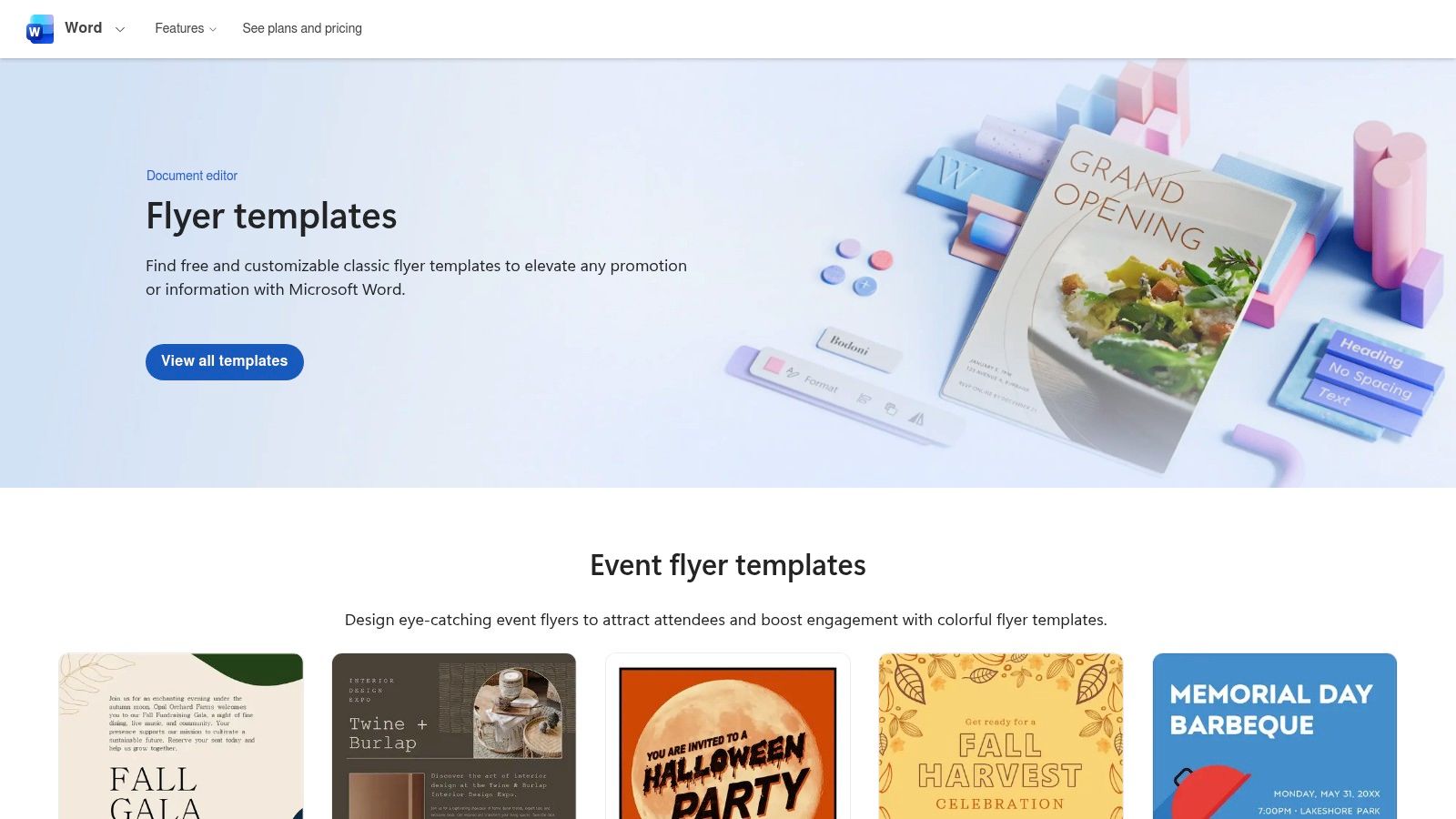
Microsoft Create stands out by providing functional design tools within a software environment that many nonprofit staff members already use daily. Instead of needing to train on a separate platform, a user can find examples of fundraiser flyers, open a template in Word, and make direct edits using familiar text boxes and image insertion tools. This approach is ideal for smaller nonprofits or those with limited technical resources who need a no-frills solution for basic event promotion and donation drives.
Strategic Breakdown
Actionable Takeaways
To use Microsoft Create effectively, visit its flyer templates page and filter by a relevant category like "event" or "fundraiser." Choose a template that already has a strong visual structure and clearly defined sections for text and images. Since the design features are more basic than specialized tools, select a template that requires minimal structural changes. Customize it by replacing placeholder content with your event details, compelling mission-focused language, and your organization's logo. Always export the final design as a high-quality PDF to ensure formatting and fonts remain consistent when printing or sharing digitally.
4. Venngage
Venngage carves out a niche for nonprofits that need to create cohesive fundraising campaigns that extend beyond just flyers. While it offers a strong gallery of fundraiser flyer templates, its true strength lies in its capacity to generate matching infographics, reports, and social media graphics. This makes it an ideal platform for organizations focused on data-driven storytelling and demonstrating impact to donors, ensuring all communication materials share a unified, professional look.
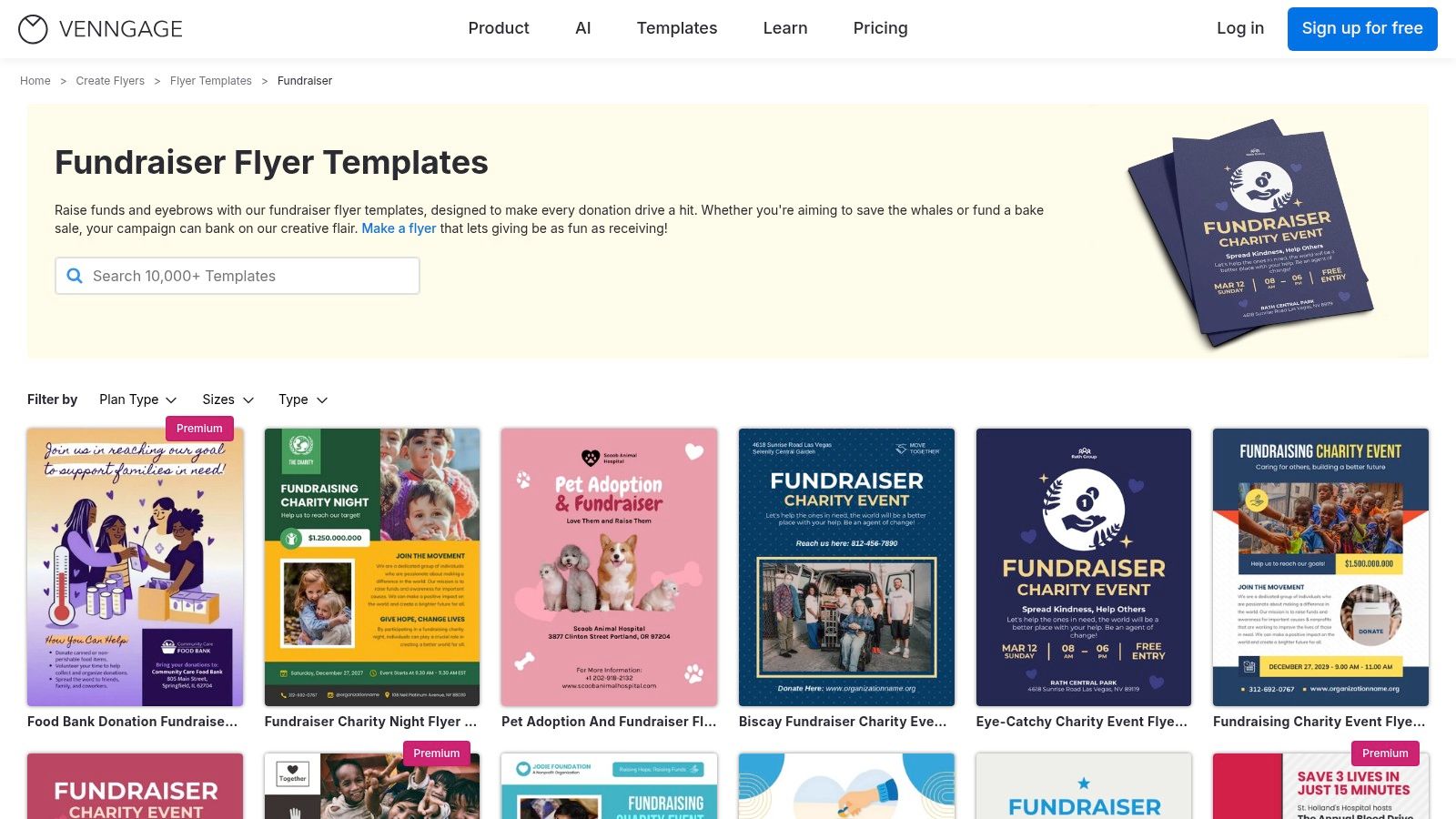
The platform’s editor is built for non-designers, providing a guided experience that helps teams produce polished collateral without a steep learning curve. You can browse specific examples of fundraiser flyers and then use the same design elements to build a year-end impact report or an infographic for a social media appeal. While the free plan is quite limited, the paid tiers unlock Brand Kits and real-time collaboration, which are essential for teams needing to maintain brand consistency and work together efficiently on campaign assets.
Strategic Breakdown
Actionable Takeaways
Start by exploring the flyer templates at Venngage to see if the design style fits your organization’s brand. If you decide to move forward, the Premium plan is a good starting point for unlocking the Brand Kit and high-resolution exports. When designing your flyer, think about the entire campaign. Plan to create a matching social media graphic and a simple infographic showing what a donation can accomplish. This multi-asset approach reinforces your message and gives donors a clearer picture of their potential impact, making your fundraising appeal more compelling.
5. PosterMyWall
PosterMyWall offers a powerful combination of design and promotion, making it a strong contender for nonprofits that need more than just a flyer creator. With an enormous library of over 26,000 fundraiser-specific templates, it provides a massive starting point for nearly any campaign. The platform is especially useful for small development teams looking to manage design and basic marketing outreach from one central hub.
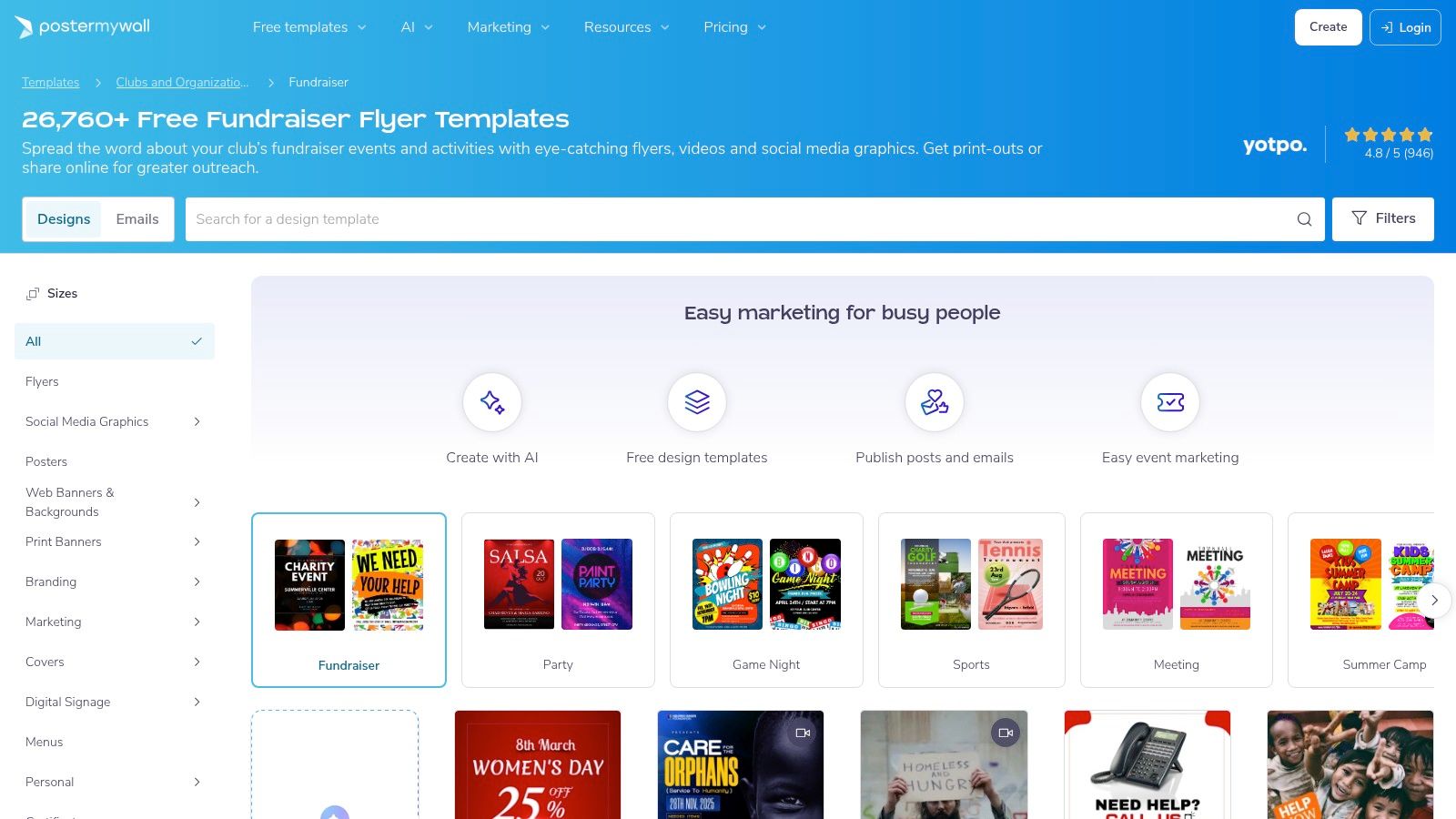
This platform stands out by integrating design with essential promotion tools. After creating your flyer, you can use built-in features to schedule social media posts or launch email campaigns directly from the interface. This solves a common workflow problem for under-resourced teams, removing the need to juggle multiple applications for design, scheduling, and email marketing. Finding examples of fundraiser flyers is simple due to its vast, well-categorized library.
Strategic Breakdown
Actionable Takeaways
To begin using PosterMyWall, explore the free plan to test the editor, but be aware of the watermarked downloads. For serious use, the Premium or Premium Plus plans are necessary to get high-resolution, watermark-free files. When designing your flyer, use the platform's search filters to narrow down templates by event type, such as "bake sale" or "charity auction." For events with corporate backing, a clear sponsorship section on your flyer is critical; you can find great inspiration by reviewing examples of sponsorship levels. After finalizing your design, use the built-in email campaign tool to send the flyer directly to your donor list, creating a seamless path from creation to distribution. Find all available options at PosterMyWall.
6. Visme
Visme positions itself as a versatile design platform that bridges the gap between simple template editors and complex graphic design software. For nonprofits, it provides a strong set of tools for creating fundraiser flyers with professional polish and data visualization capabilities. Its interface is user-friendly, catering to teams that need to produce marketing materials quickly without a steep learning curve.
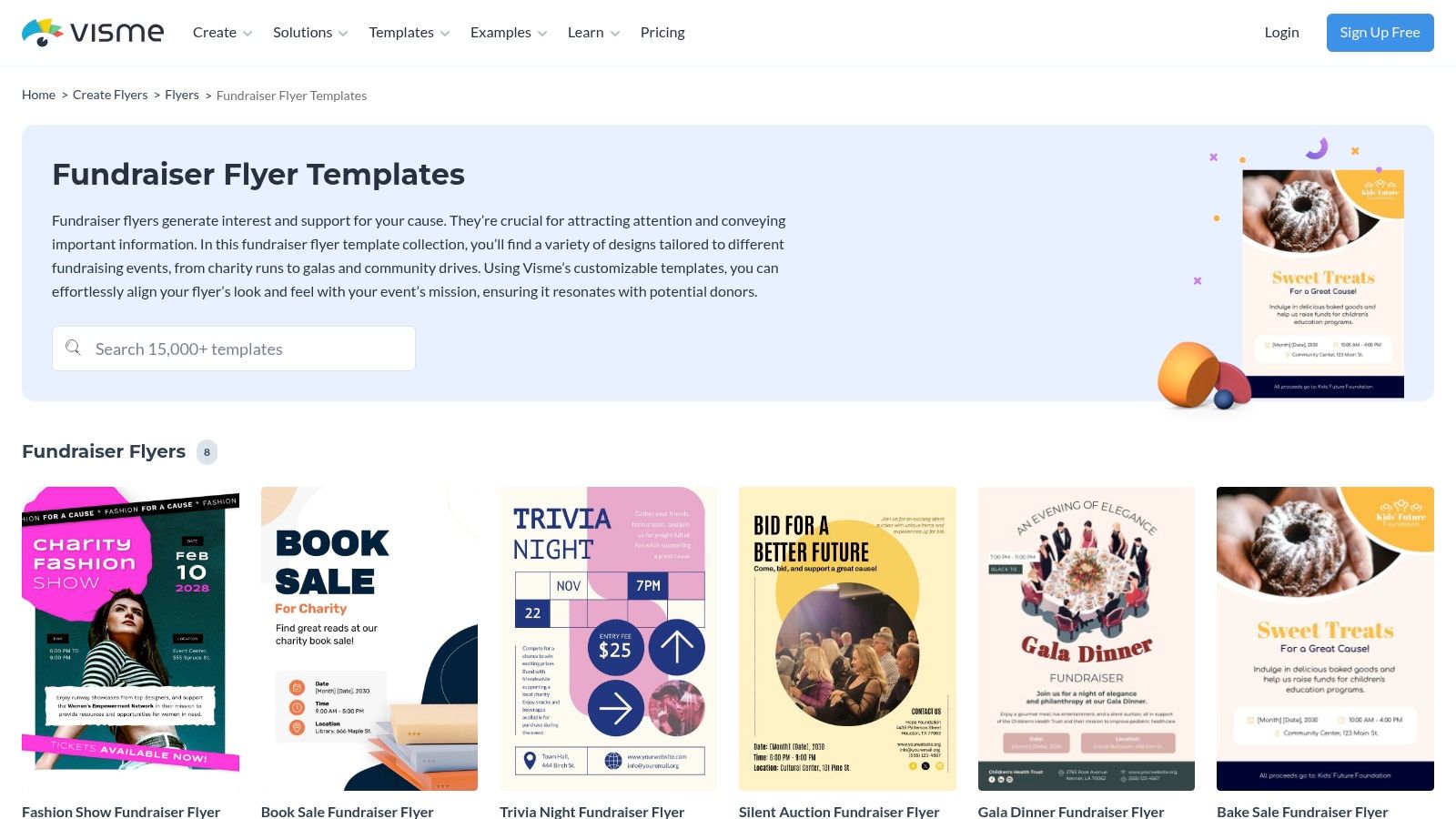
The platform’s strength lies in its balance of high-quality templates and brand management features. You can find excellent examples of fundraiser flyers for events like galas, car washes, and silent auctions, which serve as a solid starting point. What sets Visme apart is its ability to incorporate dynamic elements like animated icons or data widgets directly into a digital flyer, making it more engaging for online distribution. While a nonprofit discount is available, it requires contacting the sales team, a slight hurdle compared to automated programs from competitors.
Strategic Breakdown
Actionable Takeaways
To start with Visme, contact their sales department to inquire about the nonprofit discount, as it unlocks the most useful features. When designing, explore their library of free icons and data widgets to make your digital flyer stand out. For instance, you could add a "progress bar" widget to a live fundraising campaign flyer. Use the export options strategically: create a high-resolution PDF for printing and simultaneously generate a shareable link for your email newsletter and social media channels. You can find Visme’s flyer templates at visme.co/templates/flyers/fundraiser/. Always ensure your final design includes a prominent call to action and a scannable QR code for immediate donations.
7. Kapwing
Kapwing is an online editor primarily known for its video tools, but its flyer maker is a quick and effective resource for nonprofits needing to produce promotional materials fast. The platform offers thousands of free, editable fundraiser and charity flyer templates that can be customized directly in the browser. Its simple interface makes it accessible for team members without a design background, allowing them to create and download visuals for print or social media in minutes.
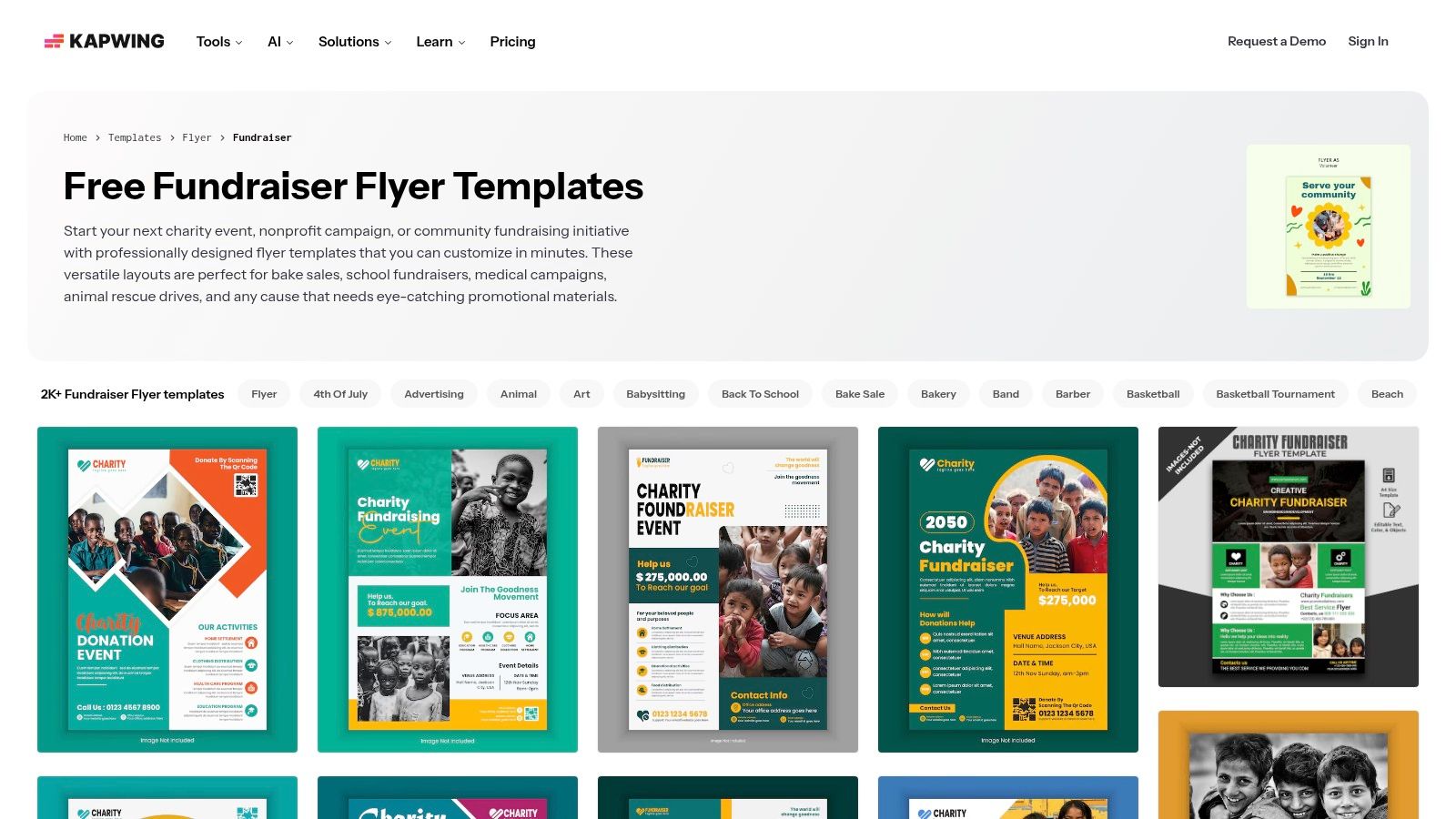
The platform's main advantage is its speed and simplicity. A user can find relevant examples of fundraiser flyers, "remix" a template, change the text, and export the file with very little friction. While the free version includes a watermark and has export limitations, the Pro plan is affordable and removes these restrictions, making it a budget-friendly option for organizations that need to produce high-quality flyers regularly. The focus on speed makes Kapwing ideal for time-sensitive campaigns or last-minute event promotions.
Strategic Breakdown
Actionable Takeaways
Start by exploring Kapwing's free flyer templates at Kapwing Fundraiser Templates. For a quick turnaround, filter for a design that closely matches your event's theme to minimize customization. If you are using the free plan, be mindful of the watermark placement and design your flyer so it doesn't obscure critical information. For ongoing needs, consider the Pro plan to unlock brand management tools and ensure every flyer is professional and watermark-free. This is particularly useful for creating a cohesive look across both digital posts and printed materials.
7-Way Comparison of Fundraiser Flyer Tools
Beyond the Flyer: Integrating Your Message for Maximum Impact
We've explored a wide range of effective examples of fundraiser flyers, from the elegance required for a gala to the energetic appeal of a charity run. Each example demonstrates that a successful flyer is more than just a piece of paper; it’s a strategic communication tool designed to capture attention and inspire action. The common thread among the strongest designs is a deep understanding of the target audience, a single-minded message, and an unmistakable call-to-action.
By analyzing these real-world flyers, we can see how specific choices in layout, color, typography, and imagery work together to tell a story and build an emotional connection. This strategic thinking is your most valuable takeaway.
From Design to Donor: Key Strategic Takeaways
The most powerful fundraiser flyers don’t exist in a vacuum. They are a physical or digital manifestation of a much broader campaign strategy. To ensure your efforts yield the best results, remember these core principles:
- Message Consistency is King: The compelling statistics, heartfelt stories, and clear impact statements you craft for your flyer should be the same ones used in your email blasts, social media updates, and website copy. This creates a unified and trustworthy brand voice that donors recognize and respond to.
- The Right Tool for the Job: As we've seen, tools like Canva for Nonprofits and Adobe Express offer incredible accessibility for teams with limited design experience. For organizations needing more robust features like advanced data visualization or brand control, platforms like Visme or Venngage might be a better fit. Assess your team's skills, budget, and specific needs before committing to a platform.
- Integrate, Don't Isolate: Your flyer is often the first touchpoint, but it shouldn't be the last. Think of it as the invitation to a larger conversation. Ensure the journey is seamless, from scanning a QR code on the flyer to landing on a mobile-friendly donation page. Every step should reinforce your mission and make it easy for the supporter to act.
For larger fundraising initiatives that involve significant events, understanding the intricacies of event planning, including options for hiring event planners, can be crucial. Professional support can help manage the complex logistics, allowing your team to focus on donor engagement and mission delivery. Ultimately, your flyer is a catalyst, designed to drive people toward a deeper engagement with your cause. By integrating its message across every channel, you build the momentum needed to not only meet but exceed your fundraising goals.
Ready to move beyond design and supercharge your entire fundraising process? Fundsprout uses AI to help you find perfect-fit grant opportunities and write compelling proposals in a fraction of the time. Turn the inspiration from these flyer examples into fully-funded projects by visiting Fundsprout today.
Try 14 days free
Get started with Fundsprout so you can focus on what really matters.