The 12 Best Proposal Writing Software Tools for Nonprofits in 2026
Discover the 12 best proposal writing software options for nonprofits. We compare AI features, pricing, and pros/cons to help you find the right tool.

Abdifatah Ali
Co-Founder
Finding the best proposal writing software for your nonprofit can feel like an overwhelming task. The right platform can mean the difference between a frantic, last-minute submission and a polished, compelling proposal that secures critical funding. Poorly managed proposals, lost versions, and inconsistent branding not only waste valuable staff hours but can directly impact your organization's ability to deliver on its mission. This is the core problem these specialized tools are built to solve.
This guide is designed to cut through the noise and provide a clear, direct path to selecting the ideal software for your specific needs. Whether you're a small nonprofit without a dedicated grant writer or an enterprise-level organization managing complex RFPs, this list offers a detailed analysis of the top contenders. Understanding how proposal software fits into the larger landscape of productivity, these tools are often considered among the best workflow automation tools available today, centralizing what was once a scattered and stressful process.
We will examine 12 leading platforms, including Fundsprout, PandaDoc, Loopio, and more. For each option, you will find:
- Key Features: Analysis of standout capabilities like RFP parsing, AI assistance, and version control.
- "Best For" Scenarios: Clear guidance on which tool suits different organizational sizes and use cases.
- Pros and Cons: An honest assessment of strengths and limitations based on real-world application.
- Pricing: A straightforward look at available tiers.
Each review includes screenshots and direct links to help you evaluate the software firsthand. Our goal is to equip you with the practical information needed to make a confident decision, saving you time and improving your funding outcomes. Let's dive in.
1. Fundsprout
Fundsprout distinguishes itself as a premier, all-in-one grant success platform designed specifically for the unique challenges faced by nonprofit organizations. It moves beyond basic proposal drafting by integrating AI-powered opportunity discovery with a robust suite of writing, management, and compliance tools. This end-to-end approach makes it our top choice for the best proposal writing software, particularly for organizations looking to build a sustainable and efficient grant-seeking operation.
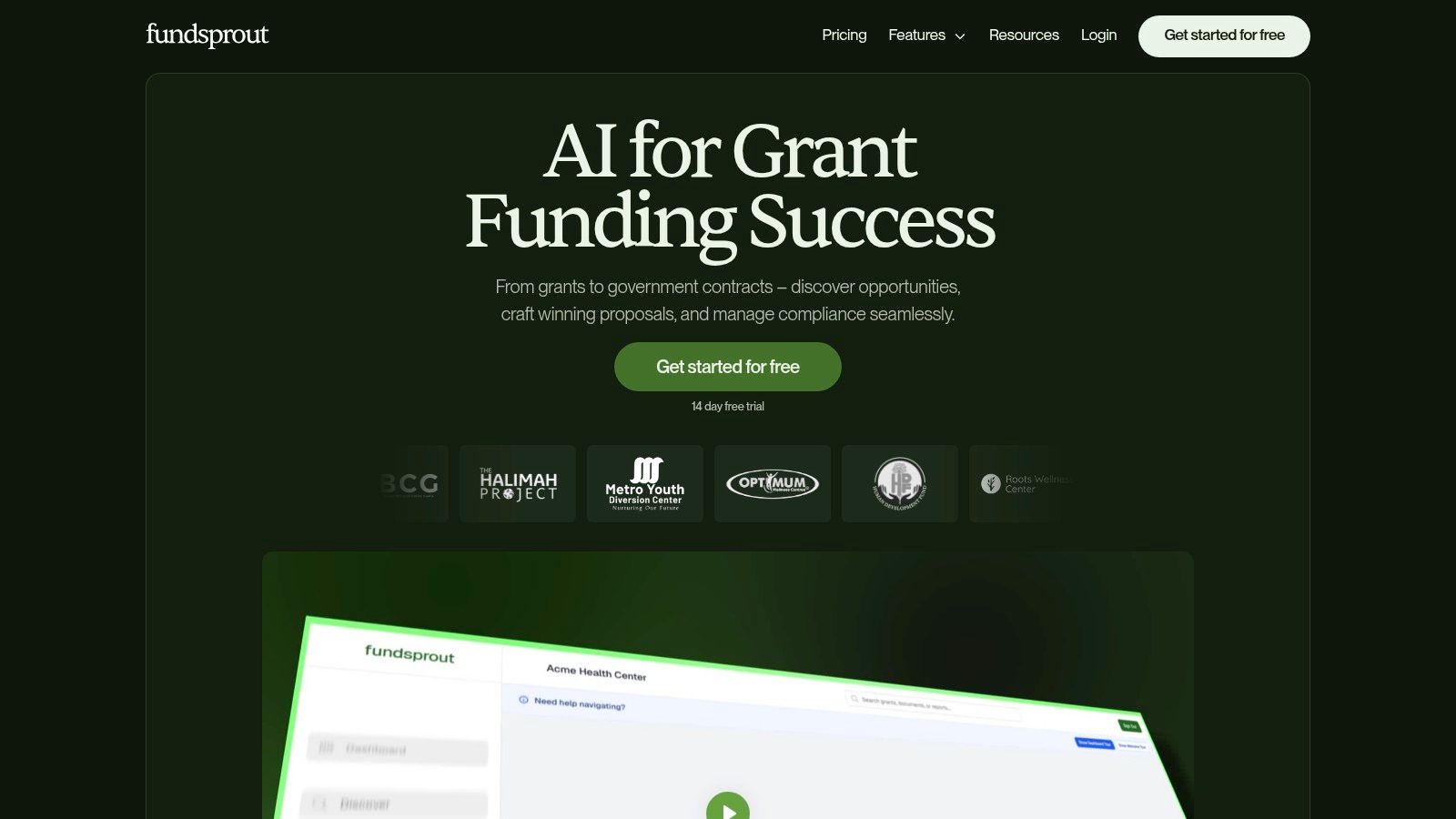
What sets Fundsprout apart is its proactive, data-driven methodology. The platform continuously scans over 275,000 funding sources and delivers a ranked pipeline of AI-matched opportunities based on your organization's specific programs, geography, and capacity. This shifts the focus from tedious searching to strategic decision-making on high-fit prospects.
Key Strengths and Use Cases
Fundsprout’s real power lies in its workflow boosters. The RFP analyzer is a standout feature, converting dense solicitations into structured outlines that align directly with funder requirements. This is where the magic happens for busy teams. From there, the DraftAI writing assistant can generate narrative sections in your organization's authentic voice by using your uploaded documents and impact data.
- For the Small Nonprofit: A two-person team can use Fundsprout to manage a grant pipeline that would typically require a full-time grant writer. The platform centralizes evidence and planning, making it possible to scale grant work without scaling staff.
- For the Established Organization: A larger nonprofit can use the platform to maintain consistency across departments, ensure compliance on multiple awards, and generate high-quality drafts that only require final polishing from senior staff.
The system’s built-in version control and automatic citations reduce errors and streamline collaboration. Moreover, its compliance-focused calendar automates deadline alerts and helps auto-populate funder report templates, creating a complete audit trail that simplifies renewals and prevents missed milestones. If your team is interested in learning more about these tools, Fundsprout offers a detailed guide to nonprofit grant writing software on its website.
Pricing & Final Considerations
Pricing: Fundsprout encourages users to start with a 14-day free trial. Detailed pricing for its tiered plans is available upon contacting their sales team, which allows them to tailor a package to your organization's specific needs and size.
Pros:
- Automated Opportunity Matching: AI-ranked matches from 275,000+ sources save countless hours.
- End-to-End Workflow: Moves from RFP analysis to drafting and compliance in one place.
- Built for Small Teams: Tools are designed to help resource-strapped organizations operate like a full grants department.
- Practitioner-Led Design: Workflows are practical and tested for real-world grant-seeking scenarios.
Cons:
- Requires Human Oversight: AI-generated content still needs a final review and personalization.
- Opaque Pricing: You must contact the company for detailed subscription costs.
Website: https://www.fundsprout.ai
2. PandaDoc
PandaDoc is a versatile document automation platform that excels at managing the entire lifecycle of a proposal, from creation to electronic signature and even payment. While many tools focus solely on writing, PandaDoc’s strength lies in its unified workflow. Nonprofits can create, send, track, and get legally binding e-signatures on proposals, contracts, and fundraising requests all within one system. Its visual drag-and-drop editor is exceptionally user-friendly, making it easy for team members without a technical background to build polished, on-brand documents from scratch or using the extensive template library.
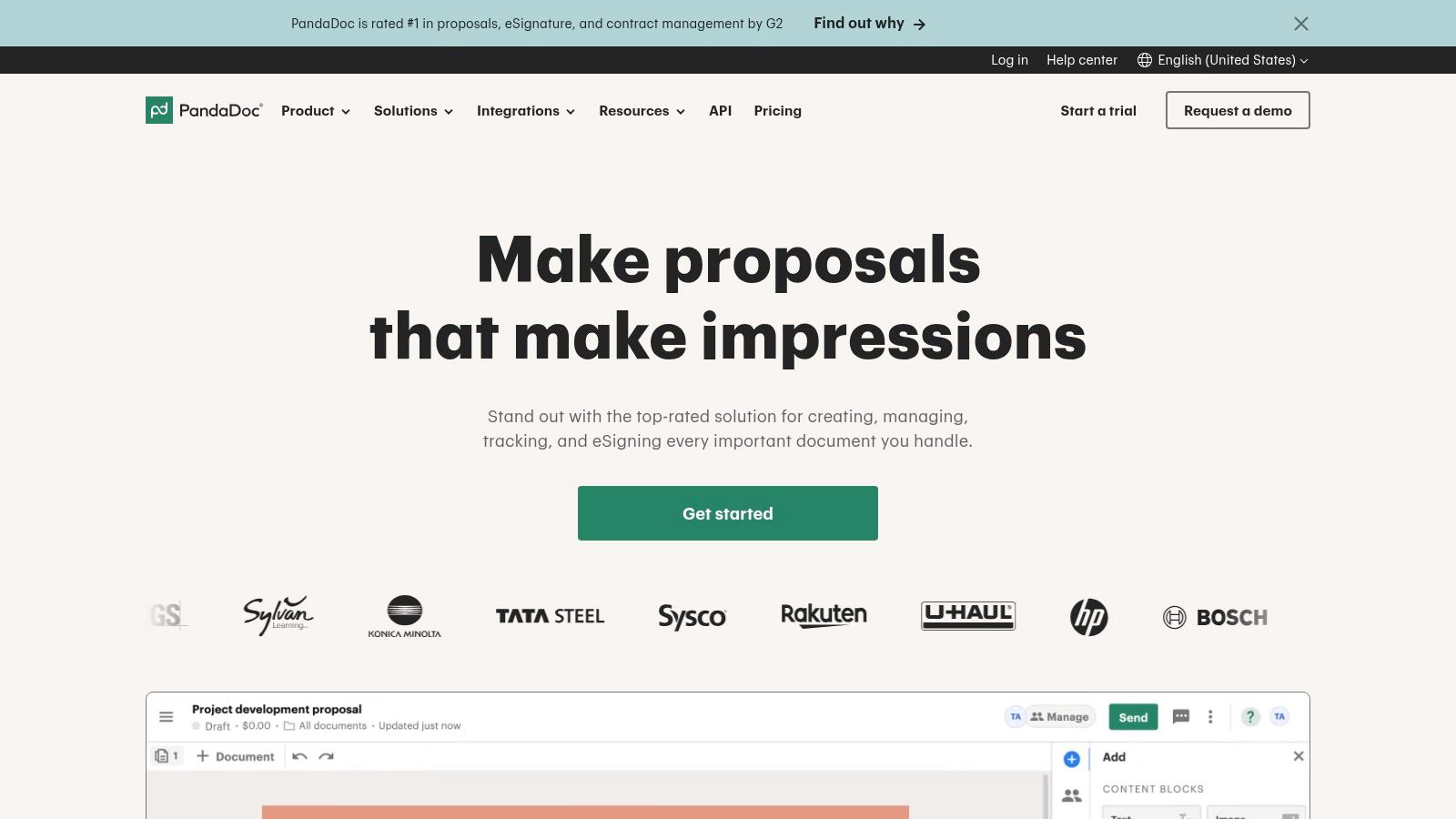
What makes PandaDoc a standout choice in proposal writing software is its focus on the post-submission process. The platform provides real-time analytics, showing who has opened the document, how much time they spent on each section, and when it's signed. This insight is invaluable for following up with potential donors or partners at the right moment. The interactive pricing tables also allow recipients to select different donation tiers or service packages, a feature particularly useful for corporate sponsorship proposals.
Key Details & Use Cases
- Best For: Nonprofits seeking an end-to-end solution that combines document creation with e-signatures, analytics, and payment processing. Excellent for teams that handle sales-like documents, such as corporate sponsorship packets, service agreements, or vendor contracts, in addition to grant proposals.
- Pricing: PandaDoc offers a free eSign plan. Paid tiers start with the Essentials plan at $19 per user/month (billed annually) and scale up to Business and Enterprise plans with more advanced features. Nonprofits may be eligible for a discount.
- Website: https://www.pandadoc.com
Pros:
- Combines proposals, contracts, and e-signatures into one smooth process.
- Intuitive interface requires minimal training for new users.
- Integrates with a wide range of CRMs and payment gateways like Stripe and PayPal.
Cons:
- The per-user pricing model can become costly for larger teams.
- Lacks the specialized grant-finding and RFP-parsing features found in some nonprofit-specific tools.
3. Proposify
Proposify is designed for teams that need to create impressive, on-brand proposals quickly and efficiently. Its core strength is its emphasis on templating and content management, allowing organizations to build a library of pre-approved sections, case studies, and team bios that can be pulled into new proposals with ease. This ensures consistency in messaging and branding, which is critical for nonprofits looking to project a professional image to funders and partners. The platform is particularly helpful for teams with established approval workflows.
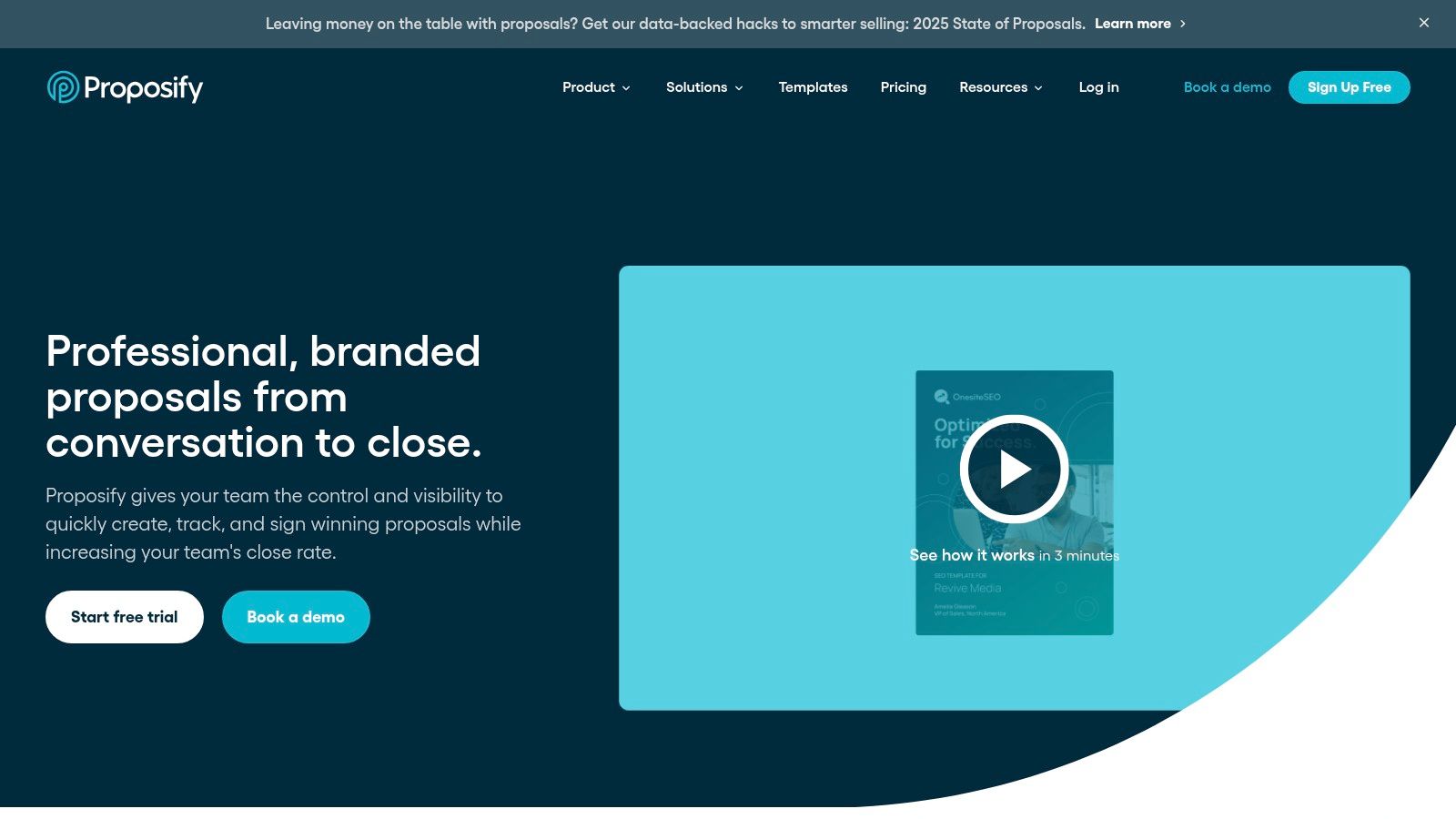
What makes Proposify a solid choice in the proposal writing software field is its balance between creative control and team-wide governance. Users can customize documents extensively, but administrators can lock down key sections to prevent unauthorized changes. Like other modern tools, it includes viewer analytics to track engagement and a built-in e-signature function to close agreements faster. Its onboarding process is often praised for being supportive, making it easier for less technical teams to get started and see a return on their investment without a steep learning curve.
Key Details & Use Cases
- Best For: Nonprofits that produce a high volume of similar proposals, such as sponsorship requests or standard service agreements, and need strong brand control and internal approval processes. It’s also great for teams that want to get up and running quickly with a large template library.
- Pricing: Proposify offers a Team Plan starting at $49 per user/month. A Business Plan with advanced features like Salesforce integration and premium support is available with custom pricing.
- Website: https://www.proposify.com
Pros:
- Excellent template and content library features promote brand consistency.
- Clear roles, permissions, and approval workflows support team collaboration.
- Helpful onboarding and an intuitive interface make it easy to adopt.
Cons:
- Some plans have a cap on the number of active documents you can send per month.
- The pricing can be a factor for smaller organizations or those with many infrequent users.
4. Qwilr
Qwilr shifts the concept of a proposal from a static document to a dynamic, interactive webpage. This approach allows nonprofits to create visually compelling, on-brand proposals that can embed rich media like videos, interactive maps, and testimonials. Instead of sending a PDF attachment, you share a secure link, offering a modern and engaging experience for potential donors or grantmakers. The platform is designed for teams that want their proposals to look and feel as professional as their website.
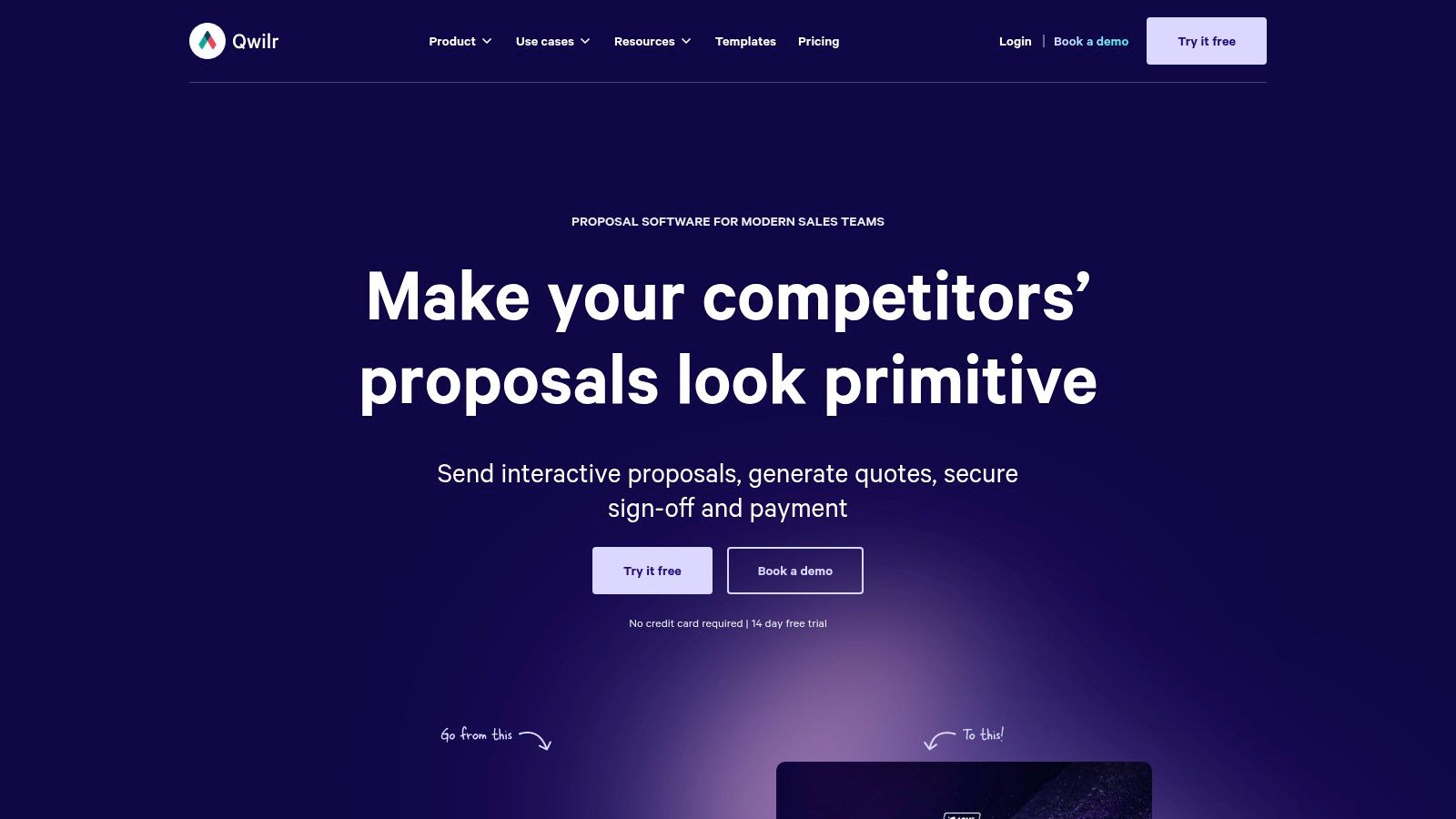
What makes Qwilr a noteworthy piece of proposal writing software is its emphasis on the recipient's journey. Analytics show you not only who viewed the page but also which sections they engaged with the most, giving you precise feedback on your narrative's impact. With features like e-signatures and QwilrPay for direct payment or donation collection within the proposal itself, it closes the loop from initial pitch to final commitment. This all-in-one web format is particularly effective for high-stakes corporate sponsorship decks or detailed impact reports where a polished presentation is critical.
Key Details & Use Cases
- Best For: Visually-driven nonprofits that want to present modern, interactive proposals as webpages. Ideal for securing corporate partnerships, major donor requests, and presenting annual reports where a high-design feel is essential.
- Pricing: Qwilr’s Business plan starts at $75 per month for 3 users (billed annually). The Enterprise plan is custom-priced and has a minimum seat requirement, offering more advanced features like Salesforce integration.
- Website: https://qwilr.com
Pros:
- Creates a very polished, modern recipient experience with interactive elements.
- Combines proposal creation, analytics, e-signature, and payments in one web-based flow.
- Integrates easily with CRMs like HubSpot and Zoho for smooth data management.
Cons:
- May not be the right fit for organizations that must submit proposals as static PDFs.
- The seat-based pricing model and minimums on higher-tier plans can be a hurdle for smaller teams.
5. Better Proposals
Better Proposals is engineered for speed and simplicity, making it an excellent choice for nonprofits that need to create professional-looking proposals without a steep learning curve. Its core strength is a clean, intuitive drag-and-drop editor paired with a content library, allowing teams to quickly assemble documents from pre-approved sections. This approach significantly shortens the time from creation to sending, which is ideal for organizations with limited staff or those responding to frequent, smaller-scale funding opportunities.
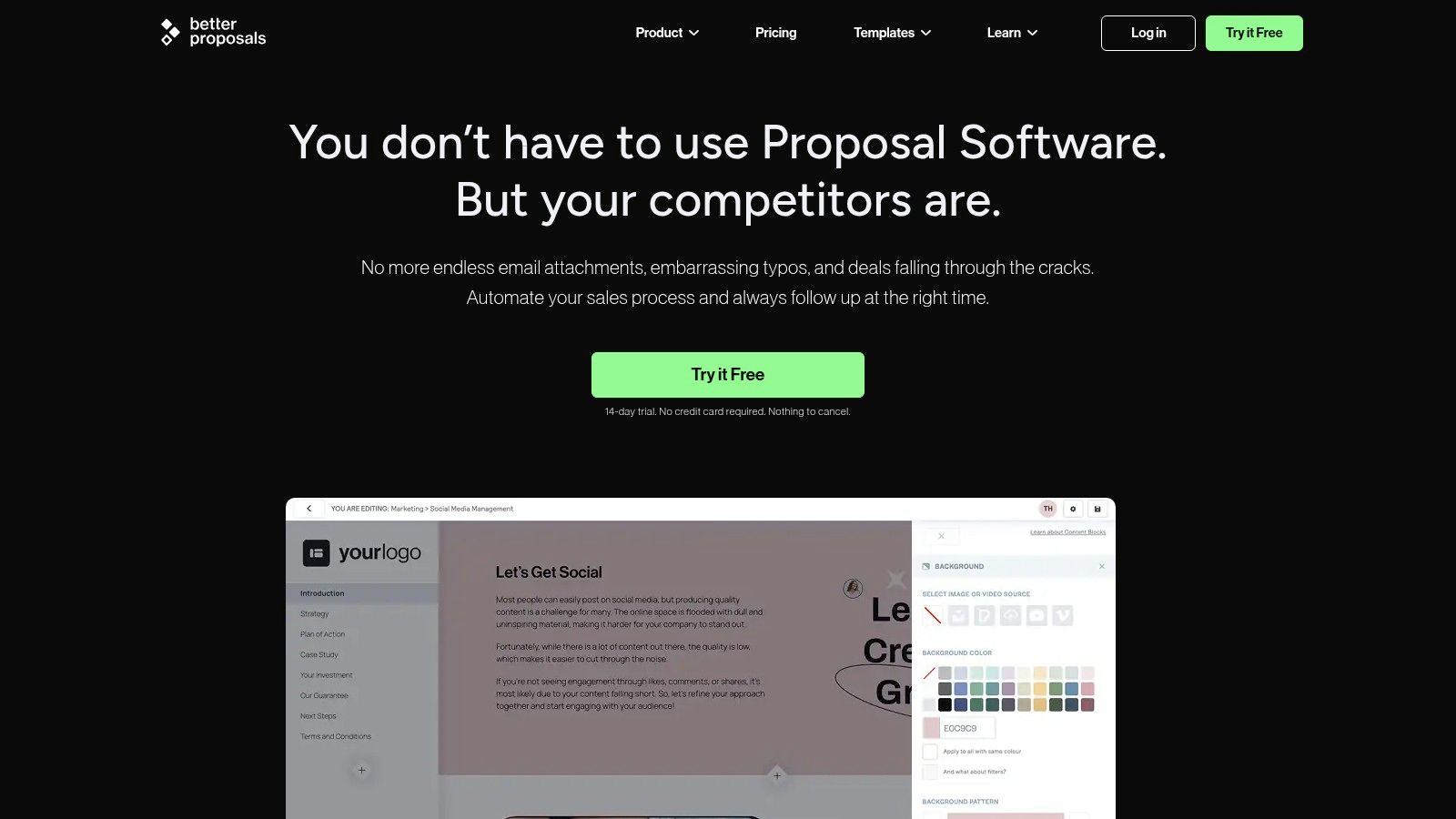
What makes Better Proposals stand out as a valuable piece of proposal writing software is its focus on the recipient's experience. The platform supports interactive pricing tables where donors or sponsors can select their contribution level, and it allows for direct payment through the proposal itself via Stripe or PayPal. This removes friction from the giving process. Like other top tools, it provides real-time analytics to track when a proposal is opened and which sections are viewed, giving fundraisers timely signals for follow-up. Its live collaboration and commenting features also help teams work together on drafts efficiently.
Key Details & Use Cases
- Best For: Small to mid-sized nonprofits and freelance grant writers who need a fast, affordable, and easy-to-use tool for creating visually appealing proposals with integrated e-signatures and payment options.
- Pricing: The Starter plan begins at $19 per user/month, with a limit of 10 proposals per month. The Premium plan offers more features and a higher send limit. Enterprise plans are available for larger teams.
- Website: https://betterproposals.io
Pros:
- Very budget-friendly with transparent, straightforward pricing tiers.
- Extremely fast to implement and learn, with unlimited templates available.
- Combines proposal creation, analytics, e-signatures, and payments in one place.
Cons:
- Starter and Premium plans impose monthly limits on the number of proposals you can send.
- Lacks some of the advanced enterprise features and deep CRM integrations found in more expensive suites.
6. GetAccept
GetAccept positions itself as a sales engagement platform, but its powerful document management and interaction tools make it an excellent choice for nonprofits focused on high-touch fundraising. The platform goes beyond simple proposal creation by building an entire "digital sales room" around each document. This allows nonprofits to embed personalized introduction videos, initiate live chats, and present interactive proposals where donors or corporate sponsors can select different giving levels or service packages directly within the document.
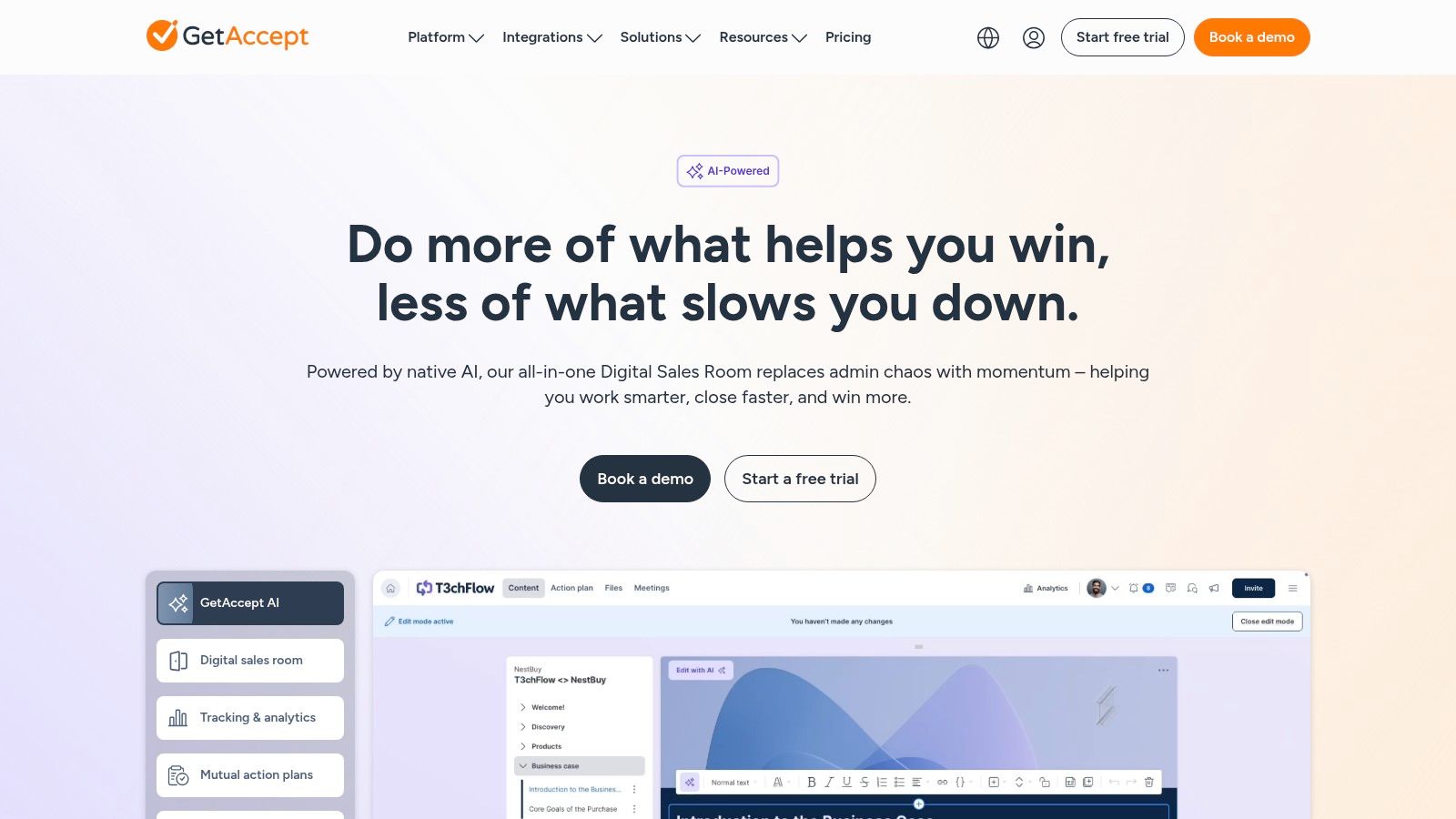
What makes GetAccept a notable piece of proposal writing software is its emphasis on two-way communication and engagement analytics. Instead of just tracking opens, it monitors how stakeholders interact with the content, providing deep insights for follow-up. Its robust CRM connectivity ensures that any selections or commitments made within the proposal are automatically synced back to your donor database, closing the loop between engagement and data management. This is particularly useful for complex sponsorship agreements or when responding to corporate RFPs and RFQs where multiple options are presented.
Key Details & Use Cases
- Best For: Development teams that manage major donor and corporate sponsorship relationships and need tools to create a personalized, interactive follow-up experience. Ideal for organizations wanting to merge proposal delivery with sales-style engagement.
- Pricing: Pricing is not public and requires a quote. The structure often includes a base platform fee with add-ons like SMS notifications or advanced eID verification billed separately.
- Website: https://www.getaccept.com
Pros:
- Strong two-way CRM syncing updates donor records based on proposal interactions.
- Rich engagement features like video, chat, and interactive pricing tables.
- Detailed document analytics provide deep insight into stakeholder interest.
Cons:
- Opaque pricing requires a sales consultation to understand the total cost.
- Certain key features are sold as separate add-ons, which can increase the overall price.
7. Nusii
Nusii is designed for simplicity and speed, making it a strong contender for freelancers, small agencies, and nonprofits that need a straightforward proposal tool without excessive complexity. Its core strength is its focus on getting a professional, branded proposal out the door quickly. The platform provides a clean editor, a library of customizable templates, and core features like digital e-signatures and proposal tracking, stripping away the enterprise-level bells and whistles to deliver an efficient, uncluttered experience.
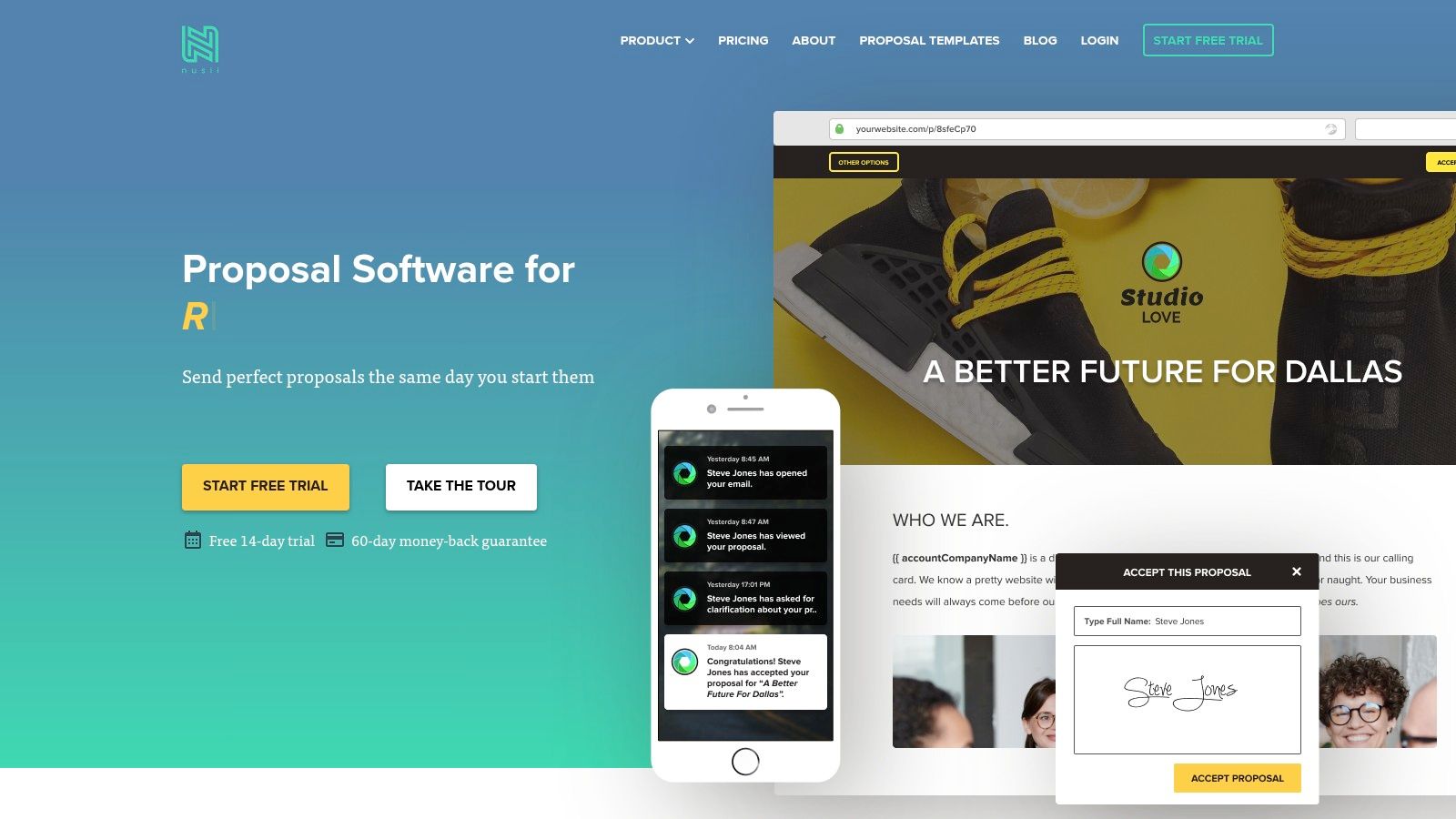
What makes Nusii a good choice in the field of proposal writing software is its transparent and manageable pricing structure, which is tied to the number of active proposals. This model is ideal for organizations with a low but consistent volume of funding or partnership requests. Instead of paying high per-user fees for a system they don't fully use, teams can choose a plan that matches their actual output. Automatic reminders help ensure timely follow-ups, and integrations via Zapier allow small teams to connect their proposal workflow to other essential tools like CRMs or project management apps.
Key Details & Use Cases
- Best For: Small nonprofits, freelance grant writers, and organizations with a limited number of high-value proposals per month. It's a great fit for those who prioritize ease of use and speed over advanced analytics or a deep feature set.
- Pricing: Plans are based on active proposal limits. The Freelancer plan is $29/month for 5 active proposals. The Agency plan at $49/month includes custom domain/branding. A premium Business plan is available for larger needs.
- Website: https://nusii.com
Pros:
- Very straightforward plans and an intuitive interface make it easy for small teams to start.
- Good value for organizations with a predictable, low-volume proposal workload.
- Automatic reminders and simple tracking keep the follow-up process organized.
Cons:
- The active proposal limits on each plan can be restrictive for high-growth or high-volume teams.
- Lacks the robust reporting, AI assistance, and team management features of larger proposal suites.
8. Loopio
Loopio is an enterprise-grade response management platform designed for organizations that frequently handle complex proposals, RFPs, RFIs, and security questionnaires. Its core strength is a centralized, AI-powered content library that acts as a single source of truth for all proposal-related information. Instead of starting from scratch, teams can use AI to generate first drafts from pre-approved, vetted content, ensuring accuracy and brand consistency across every document. This approach is particularly effective for large nonprofits that must respond to detailed, multi-stakeholder funding opportunities.
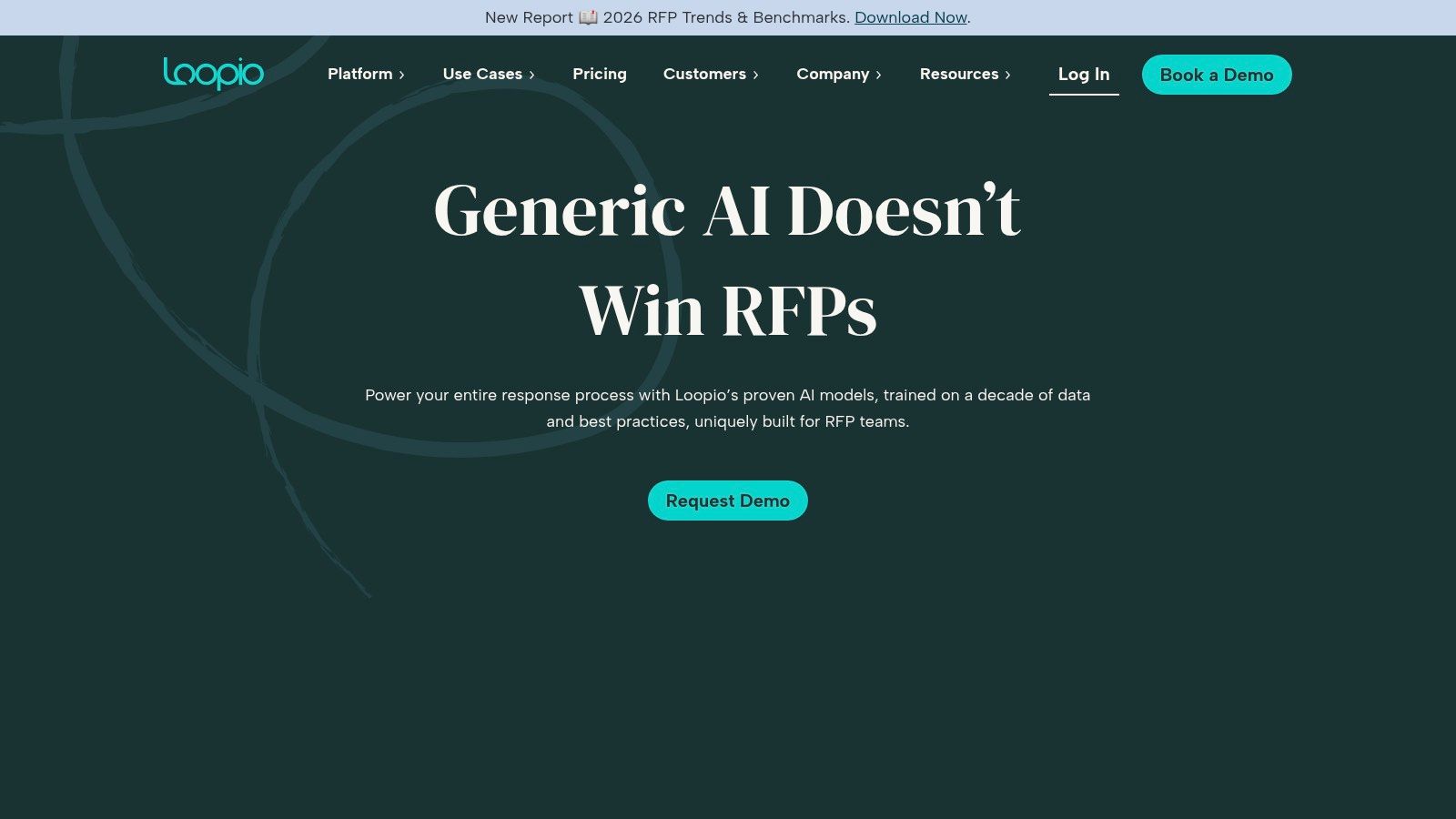
What makes Loopio a top contender in proposal writing software is its deep focus on collaboration and project management for high-stakes responses. The platform includes features like assignments, automated reminders, and progress-tracking dashboards to keep large projects on schedule. It can connect to existing content sources like SharePoint or Google Drive to keep the library fresh. For organizations that handle sensitive data, Loopio's SOC 2 Type II compliance provides an essential layer of security and peace of mind. To fully prepare your team, you can learn more about how to respond to an RFP effectively.
Key Details & Use Cases
- Best For: Large nonprofits or foundations that manage a high volume of complex, compliance-heavy proposals and need a robust system for content management and multi-stakeholder collaboration.
- Pricing: Loopio provides pricing through a direct quote. It is generally positioned for mid-market to enterprise-level organizations, and pricing reflects its advanced feature set.
- Website: https://loopio.com
Pros:
- Excellent for managing complex, multi-departmental RFPs and security questionnaires.
- Central content library and AI automation dramatically reduce drafting time.
- Strong project management and security controls (SOC 2 Type II).
Cons:
- Pricing is quote-based and can be a significant investment.
- May be overkill for small nonprofits with low-volume proposal needs.
9. Responsive (formerly RFPIO)
Responsive, which was previously known as RFPIO, is a strategic response management platform designed for high-volume, complex proposal environments. While many tools cater to general document creation, Responsive specializes in answering formal requests like RFPs, RFIs, and security questionnaires. It excels through powerful content automation, using an AI-supported answer library to suggest pre-approved, accurate content, dramatically reducing the time it takes for teams to assemble a first draft. This makes it an ideal choice for larger organizations that must respond to numerous, detailed funding opportunities with speed and consistency.
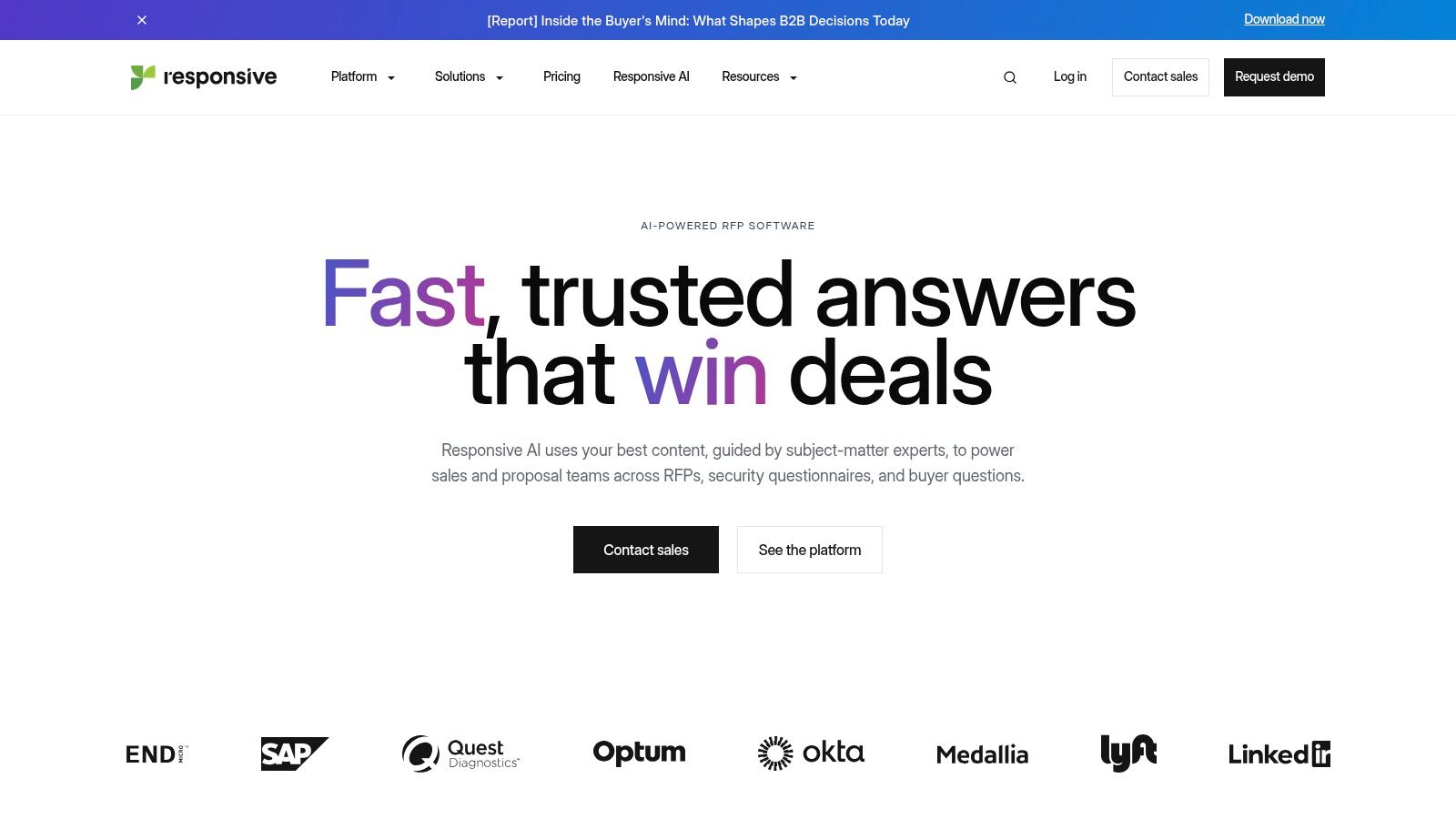
What makes Responsive a unique piece of proposal writing software is its enterprise-grade focus on workflow and collaboration. It is purpose-built to manage input from multiple subject matter experts across different departments, a common requirement for large federal grants or corporate partnership proposals. The system automates project management by assigning tasks, tracking progress, and managing versions, ensuring the final document is cohesive and polished. For nonprofits operating at scale, this level of control over the response process is critical for maintaining quality and meeting tight deadlines.
Key Details & Use Cases
- Best For: Large nonprofits, foundations, or educational institutions that manage a high volume of complex RFPs and require a centralized content library to maintain brand voice and data accuracy across all responses.
- Pricing: Pricing is custom and requires a sales quote, as it is tailored to the organization's specific needs. It is positioned as an enterprise solution.
- Website: https://www.responsive.io
Pros:
- Excellent AI-powered content library speeds up the creation of accurate proposals.
- Strong project management and collaboration features for large, dispersed teams.
- Integrates with major enterprise systems like Salesforce and Seismic.
Cons:
- Pricing is aimed at the enterprise level and can be prohibitive for small to mid-sized nonprofits.
- Implementation is more involved than with simpler, small-business-focused tools.
10. XaitPorter (by Xait)
XaitPorter is a high-powered, enterprise-level platform built for co-authoring complex, large-scale proposals and bids. Unlike more general-purpose document tools, it focuses on control and consistency. The system enforces formatting, automates layouts, and manages versioning, making it ideal for organizations producing lengthy, highly regulated documents where dozens of contributors must work together. Its core strength is its ability to manage massive projects, such as intricate government grant applications or multi-million-dollar corporate partnership tenders, without descending into chaos.
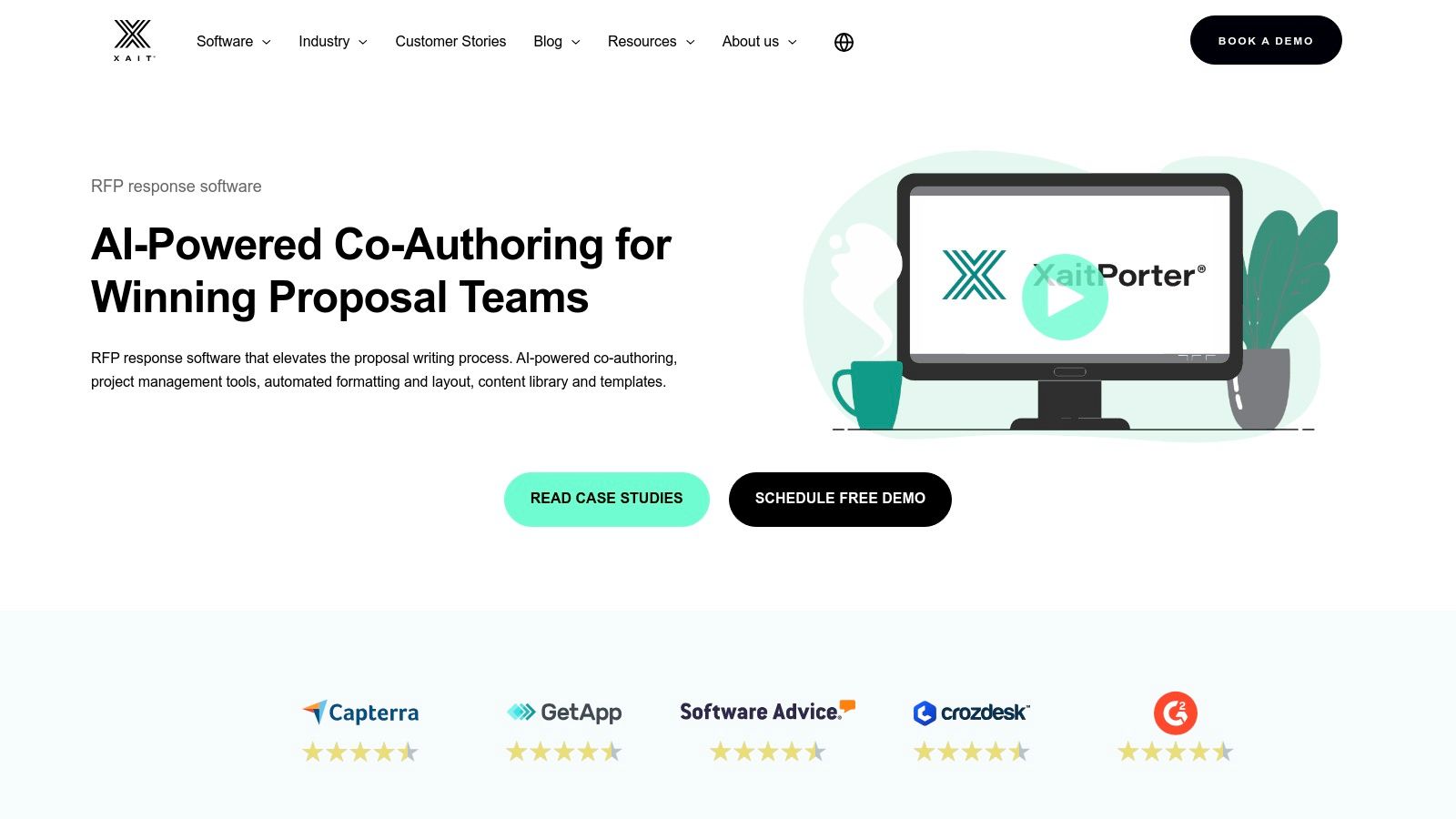
What makes XaitPorter a unique entry in the best proposal writing software category is its database-driven approach. Instead of a single document file, content is stored in a central, AI-assisted library where sections can be reused, updated, and pulled into new proposals with full version history. This is a game-changer for large nonprofits that frequently respond to similar RFPs. The platform's section-level permissions and detailed dashboards give proposal managers granular control over the writing process, ensuring accountability and security from start to finish.
Key Details & Use Cases
- Best For: Large, enterprise-level organizations and nonprofits in regulated fields (e.g., healthcare, government contracting) that produce very long, complex proposals with many contributors. It is overkill for smaller teams.
- Pricing: XaitPorter uses a sales-led, quote-based pricing model. It is an enterprise tool, so expect pricing to be significantly higher than per-user SaaS products.
- Website: https://www.xait.com/xaitporter
Pros:
- Excellent for managing complex, multi-author proposals with strict formatting rules.
- Offers strong governance, auditability, and control over the entire document lifecycle.
- The content library allows for efficient reuse of approved content across many proposals.
Cons:
- The pricing and feature set are aimed at the enterprise market and are not a fit for small nonprofits.
- Can have a steeper learning curve compared to simpler drag-and-drop editors.
11. Expedience Software
Expedience Software offers a unique approach to proposal automation by integrating directly into the familiar environment of Microsoft Word. Instead of requiring teams to learn a new web-based editor, Expedience functions as a powerful add-in, allowing users to assemble complex proposals, RFP responses, and statements of work without ever leaving Word. This design philosophy is ideal for organizations where Microsoft Office is the central nervous system and strict brand control, formatting, and document security are paramount.
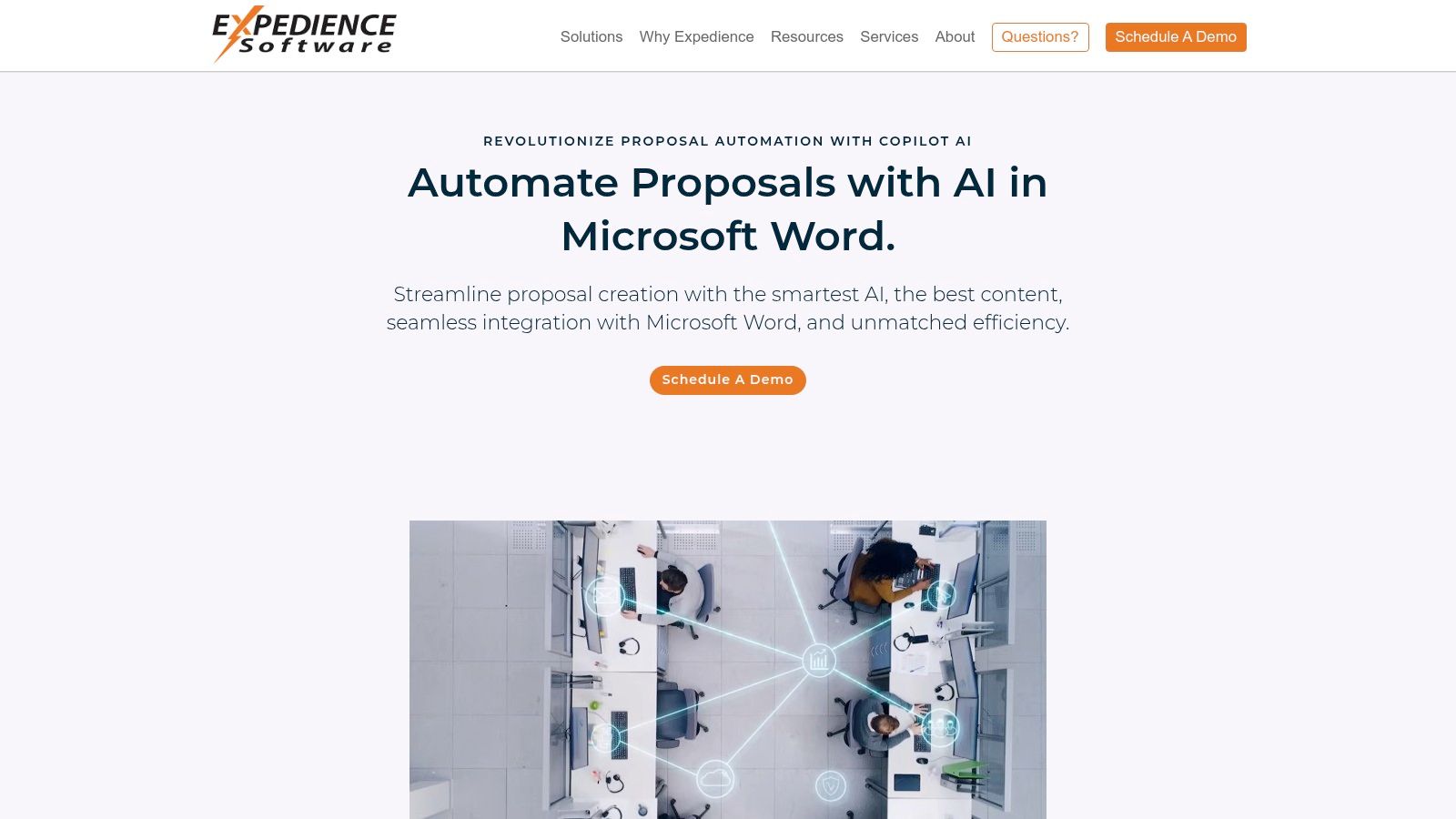
What makes Expedience a notable piece of proposal writing software is its focus on high-compliance and security-conscious environments. The platform can run behind a corporate firewall or integrate with an organization's existing Office 365, SharePoint, or Teams infrastructure, a critical feature for nonprofits handling sensitive data. Users can pull pre-approved, reusable content from a centralized library directly into their documents, ensuring consistency and accuracy. Features like requirement "shredding" for RFPs and assignment tracking help streamline the often-chaotic process of responding to detailed grant applications or formal solicitations.
Key Details & Use Cases
- Best For: Nonprofits deeply embedded in the Microsoft 365 ecosystem that need robust, secure proposal automation without disrupting existing workflows. It’s perfect for teams that prioritize precise formatting control and require on-premise or behind-firewall deployment options.
- Pricing: Pricing is customized based on the number of users and specific deployment needs. Organizations must contact Expedience Software directly for a quote.
- Website: https://expediencesoftware.com
Pros:
- Native Microsoft Word integration means minimal training and change management for users.
- Strong security options, including on-premise deployment, appeal to compliance-heavy organizations.
- Central content library ensures brand consistency and accuracy across all proposals.
Cons:
- Not a web-native, real-time collaborative editor like other modern platforms.
- Its value is almost entirely dependent on an organization’s commitment to Microsoft products.
12. Proposal Kit Professional
Proposal Kit Professional takes a different approach from the cloud-based subscription model, offering a one-time purchase for a downloadable software package. It’s a document-building system that works directly within Microsoft Word for Windows. This solution is centered around a massive library of over 15,000 pages of templates, samples, and contracts, making it ideal for nonprofits that need a wide variety of document types beyond just grant proposals, such as reports, studies, and business plans. The core of the system is the Proposal Pack Wizard, an add-in for Word that helps users assemble professional documents from pre-written chapters and templates.
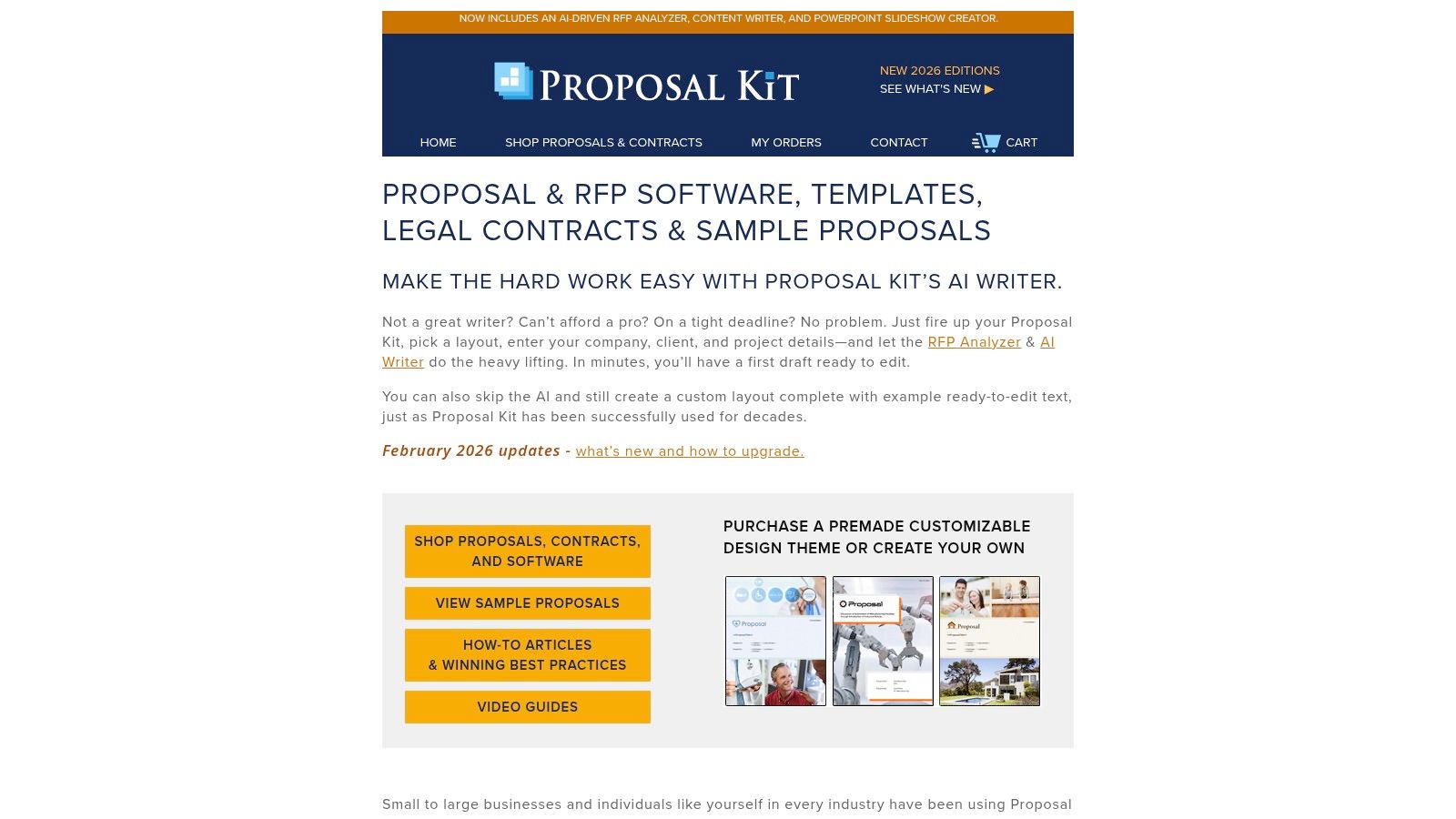
What makes Proposal Kit Professional a unique choice in proposal writing software is its offline nature and cost structure. After the initial purchase, there are no recurring fees, providing long-term value for budget-conscious organizations. The software works entirely on a local machine, which can be an advantage for teams with strict data security policies or inconsistent internet access. Recent versions have also added an RFP Analyzer and a built-in AI writer, bringing modern capabilities to a traditional desktop-based tool. It is particularly effective for those who are already proficient with Microsoft Word and prefer to manage their documents locally.
Key Details & Use Cases
- Best For: Small nonprofits, independent grant writers, or organizations that prefer a one-time software purchase over a recurring subscription. It's a strong fit for teams that work primarily in a Windows and Microsoft Word environment and need offline document control.
- Pricing: Proposal Kit Professional is a one-time purchase, typically around $299, with options for industry-specific template packs at an additional cost. There are no monthly or per-user fees.
- Website: https://www.proposalkit.com
Pros:
- Extremely cost-effective with a single, one-time payment.
- Functions entirely offline, giving users complete control over their documents.
- Includes a vast library of templates for grants, business proposals, contracts, and more.
Cons:
- The main Proposal Pack Wizard component is limited to Word for Windows.
- Lacks the real-time, multi-user collaboration features of cloud-based platforms.
Top 12 Proposal Tools Comparison
Final Thoughts
Navigating the crowded market of proposal software can feel overwhelming, but making an informed choice is a critical step toward securing more funding and streamlining your nonprofit's operations. Throughout this guide, we've explored a dozen distinct platforms, from enterprise-grade RFP response systems like Responsive and Loopio to agile, design-focused tools like Qwilr and Proposify. The key takeaway is that there is no single "best" solution; the ideal choice depends entirely on your organization's unique circumstances.
The sheer variety of options highlights a fundamental truth: the proposal process itself is evolving. Gone are the days of clunky Word documents and endless email chains. Today’s most effective teams are building repeatable, data-driven systems. They are using software to automate tedious tasks, maintain brand consistency, and gain real-time insights into how funders engage with their proposals. Whether it's the robust content library of XaitPorter or the simple, effective tracking in Nusii, each tool offers a piece of this modern puzzle.
Making Your Decision: A Practical Framework
As you weigh your options, move beyond feature lists and focus on your core operational needs. The central question isn't "Which software has the most features?" but rather "Which software will solve our biggest proposal-related problems?" To answer this, consider the following steps:
- Audit Your Current Process: Before you can fix your workflow, you need to understand it. Map out every step, from initial RFP discovery to final submission and follow-up. Identify the bottlenecks. Is it finding boilerplate content? Is it getting approvals? Is it formatting documents to look professional? Your biggest pain points will point you toward the right software category.
- Define Your "Must-Haves": Based on your audit, create a non-negotiable checklist. A small nonprofit might prioritize affordability and ease of use above all else. A large organization responding to complex government grants might need advanced version control, compliance tracking, and robust collaboration features, making a tool like Responsive a necessity. Be honest about what you absolutely need versus what would be "nice to have."
- Factor in Your Ecosystem: Proposal writing doesn't happen in a vacuum. Consider how a new tool will integrate with your existing technology, such as your CRM (like Salesforce), your cloud storage (like Google Drive), and your communication tools (like Slack). Furthermore, think about peripheral efficiencies. Beyond dedicated proposal platforms, integrating tools that boost overall sales and marketing productivity, such as the best Chrome extensions for sales and marketing productivity, can significantly enhance your team's efficiency. A smooth integration will encourage adoption and maximize your return on investment.
- Run a Pilot Program: Never commit without a trial. Most of the platforms we've discussed offer free trials or demos. Select your top two or three contenders and assign a small, dedicated team to build and send a real proposal with each. This hands-on experience is invaluable and will reveal practical strengths and weaknesses that a features page could never show.
Ultimately, the goal is to find a platform that empowers your team, not one that adds another layer of complexity. The best proposal writing software for your nonprofit will be the one that gets used consistently, saves your team time, and helps you present your mission with the clarity and professionalism it deserves. It’s an investment in your organization’s future, enabling you to spend less time on administrative hurdles and more time advancing your cause.
Ready to see how AI can revolutionize your grant writing and proposal process? Fundsprout combines a powerful AI writing assistant with nonprofit-specific templates and collaboration tools to help you craft compelling narratives faster. Start your free trial with Fundsprout today and turn your next proposal into a winning one.
Try 14 days free
Get started with Fundsprout so you can focus on what really matters.