The 12 Best Fundraising Tools for Nonprofits in 2026
Discover the top fundraising tools for nonprofits. Our 2026 guide reviews platforms for grants, events, and donor management to help you raise more.

Abdifatah Ali
Co-Founder
Choosing the right fundraising tools for nonprofits can feel overwhelming. The market is saturated with platforms, each promising to solve your organization's funding challenges, but their features, pricing, and ideal use cases vary significantly. This guide cuts through the noise to provide a clear, actionable comparison of the top options available today. We've done the deep-dive research so you can make a confident decision without spending weeks on demos and sales calls.
Our goal is to help you find the platform that best fits your specific needs, whether you're a small community organization running your first campaign or a large nonprofit managing complex donor relationships. We'll examine everything from all-in-one CRMs to specialized tools for events, peer-to-peer campaigns, and grant discovery. For each tool, you’ll find a breakdown of its core strengths, potential limitations, pricing structures, and real-world use cases to illustrate how it performs in practice.
We've included direct links and screenshots to give you a genuine feel for each platform. This resource is designed to be your go-to reference for building a powerful fundraising toolkit. While these platforms are central to collecting donations, remember that a strong promotional strategy is just as important. Beyond specific fundraising platforms, effective social media management for nonprofits is essential for building community, amplifying your message, and supporting your fundraising goals.
This list will help you compare features side-by-side, understand the true cost, and select the fundraising tools for nonprofits that will directly support your mission's growth.
1. Fundsprout
Fundsprout distinguishes itself as an end-to-end grant success platform, designed to manage the entire grant lifecycle from discovery to final reporting. It stands out by combining AI-powered grant prospecting with robust proposal generation and compliance management tools, making it a formidable choice for nonprofits seeking to optimize their fundraising tools. The platform continuously scans over 275,000 funding sources, delivering a curated pipeline of opportunities matched to your organization's specific programs and needs.
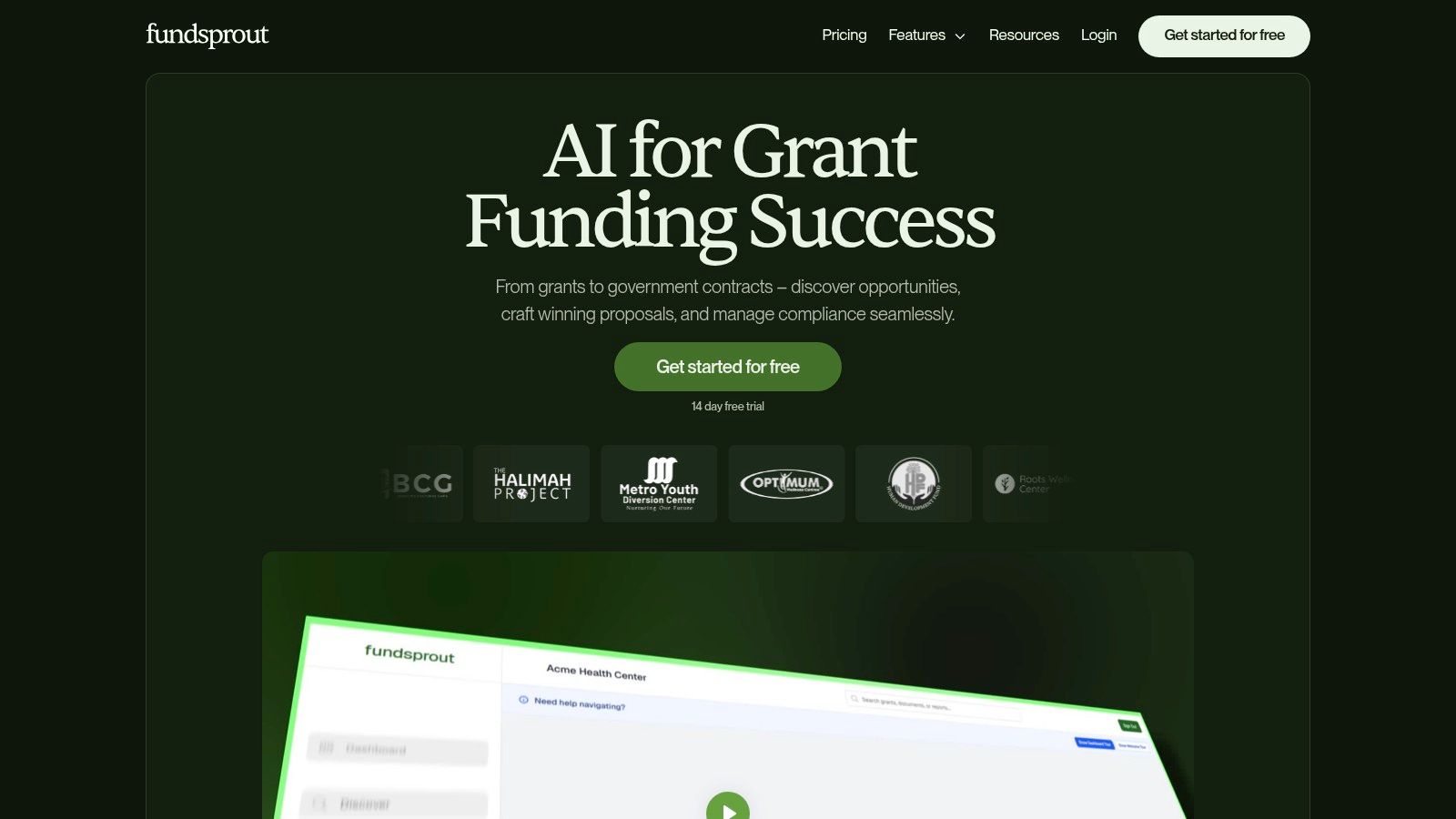
This platform is particularly effective for small-to-mid-sized teams that lack a dedicated grant writer. Fundsprout aims to function like a full grants department in a single dashboard. Its core strength lies in replacing fragmented processes with a unified workflow, significantly reducing the manual effort involved in grant-seeking.
Key Features & Use Cases
- AI-Powered Grant Matching: Instead of manually searching databases, Fundsprout delivers a ranked list of high-fit federal, state, and foundation grants. This automated eligibility screening and competitive intelligence helps teams focus their energy on the most winnable opportunities.
- RFP Analyzer & AI Drafting: The platform's RFP analyzer deconstructs complex grant requirements into a structured outline. From there, the DraftAI assistant generates narrative sections using your organization's uploaded documents, data, and impact stories, complete with citations and version control. Customers report this cuts drafting time from days to hours.
- Compliance & Renewal Management: Fundsprout excels in post-award management. It features deadline tracking with customizable alerts, auto-populated funder templates, and a complete audit trail. This structure simplifies reporting and positions your organization for successful renewals.
- Evidence Manager: This feature centralizes your organization's key data, statistics, and testimonials. It allows for collaborative editing and auto-formats citations, ensuring proposals are always backed by accurate, up-to-date evidence.
Best For: Lean development teams, executive directors, and program managers who need to scale prospecting, accelerate proposal writing, and eliminate missed deadlines without hiring additional staff. By mastering a few nonprofit fundraising best practices, teams can get the most value from this tool.
Pros & Cons
| Pros | Cons |
|---|---|
| End-to-End Workflow: Manages prospecting, writing, and compliance in one place, reducing the need for multiple tools. | Human Oversight Required: AI-generated drafts and eligibility checks still need human review for context and accuracy. |
| Significant Time Savings: Automates prospecting and drafting, freeing up staff to focus on program impact. | Dependent on Input Quality: The quality of AI outputs is directly tied to the completeness of the documents you upload. |
| Speeds Proposal Writing: The AI assistant, evidence manager, and citation formatting dramatically reduce writing time. | Opaque Pricing: Detailed pricing is not available on the website; you must sign up for a trial to learn the costs. |
Pricing: Fundsprout offers a free signup and a 14-day trial to test the platform's functionality before making a commitment. Specific plan details are provided after signup.
Website: https://www.fundsprout.ai
2. GoFundMe Pro (formerly Classy)
GoFundMe Pro combines the enterprise-level campaign management of Classy with the massive reach and brand recognition of the GoFundMe network. This platform is an excellent choice for established mid-to-large-sized nonprofits that need a powerful, all-in-one solution for diverse fundraising activities, including complex peer-to-peer campaigns, ticketing for sophisticated events, and recurring giving programs. It provides robust functionality without requiring extensive developer resources to get started.
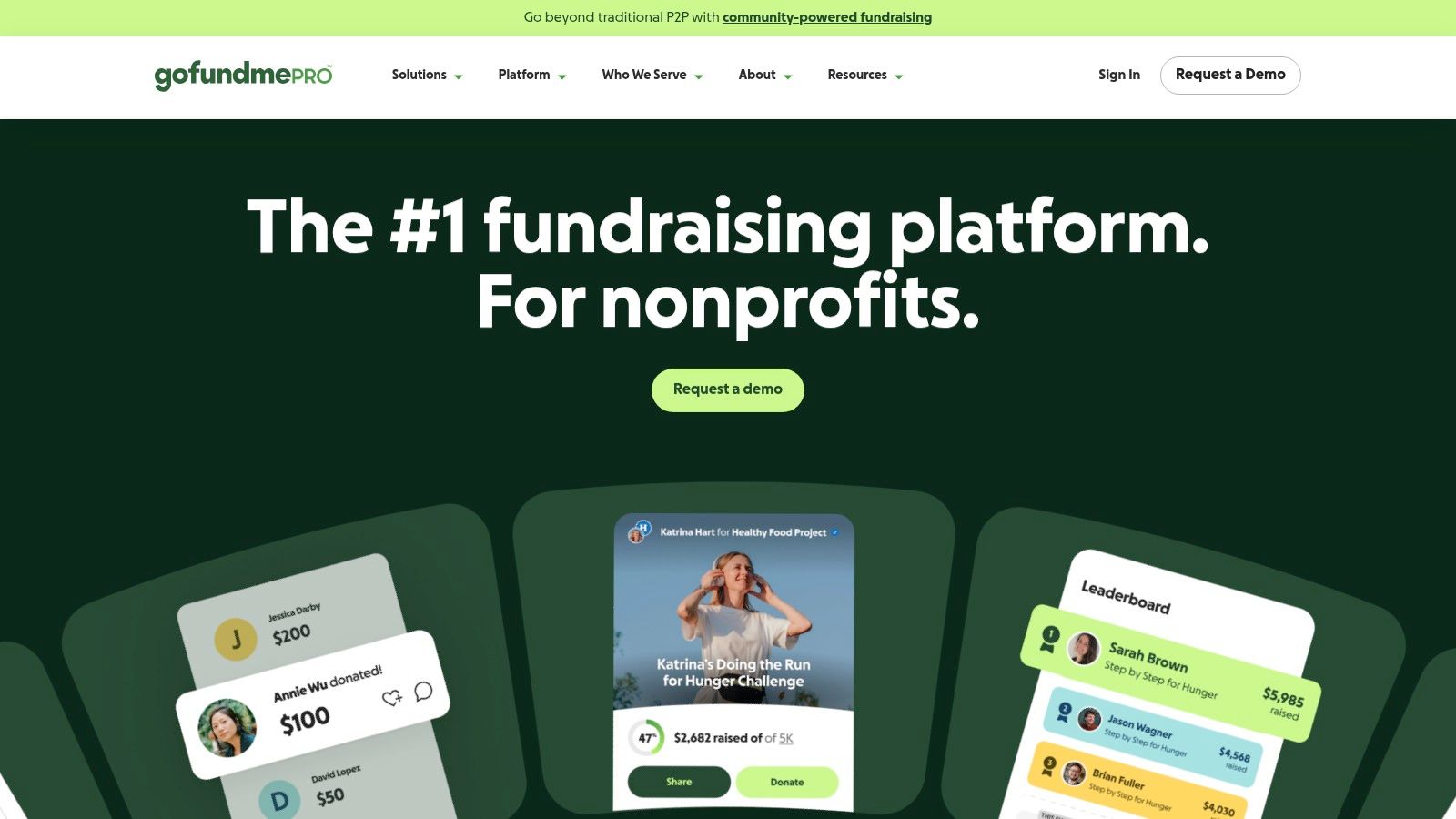
The platform stands out with its mature peer-to-peer and event fundraising tools, which are considered among the best in the industry. The integration with GoFundMe’s network offers a unique advantage, potentially exposing your campaigns to a wider audience of individual donors. Its advanced features, including API access and native integrations with systems like Salesforce, make it a strong contender among fundraising tools for nonprofits focused on growth and data management.
Platform Details
| Feature | Description |
|---|---|
| Best For | Growing organizations needing an all-in-one platform with strong peer-to-peer and event features. |
| Pricing | Quote-based subscription; nonprofits must contact sales for a custom price. |
| Pros | Powerful event and peer-to-peer campaign tools; strong brand recognition; advanced integration options. |
| Cons | Pricing is not transparent and can be high; recent changes to fee structures may require administrative adjustments. |
Practical Tip: When setting up a campaign, explore the Giving Cart feature. It allows donors to make multiple donations to different campaigns or funds in a single transaction, which can significantly increase the average gift size.
3. Givebutter
Givebutter is a dynamic, all-in-one fundraising platform celebrated for its completely free-to-use model, sustained by optional donor tips. It's an ideal solution for small to mid-sized nonprofits seeking a comprehensive toolset without the upfront cost. The platform combines donation forms, event management, auctions, and peer-to-peer campaigns with built-in communication tools like email and SMS, allowing teams to launch and manage fundraising efforts quickly from a single hub.
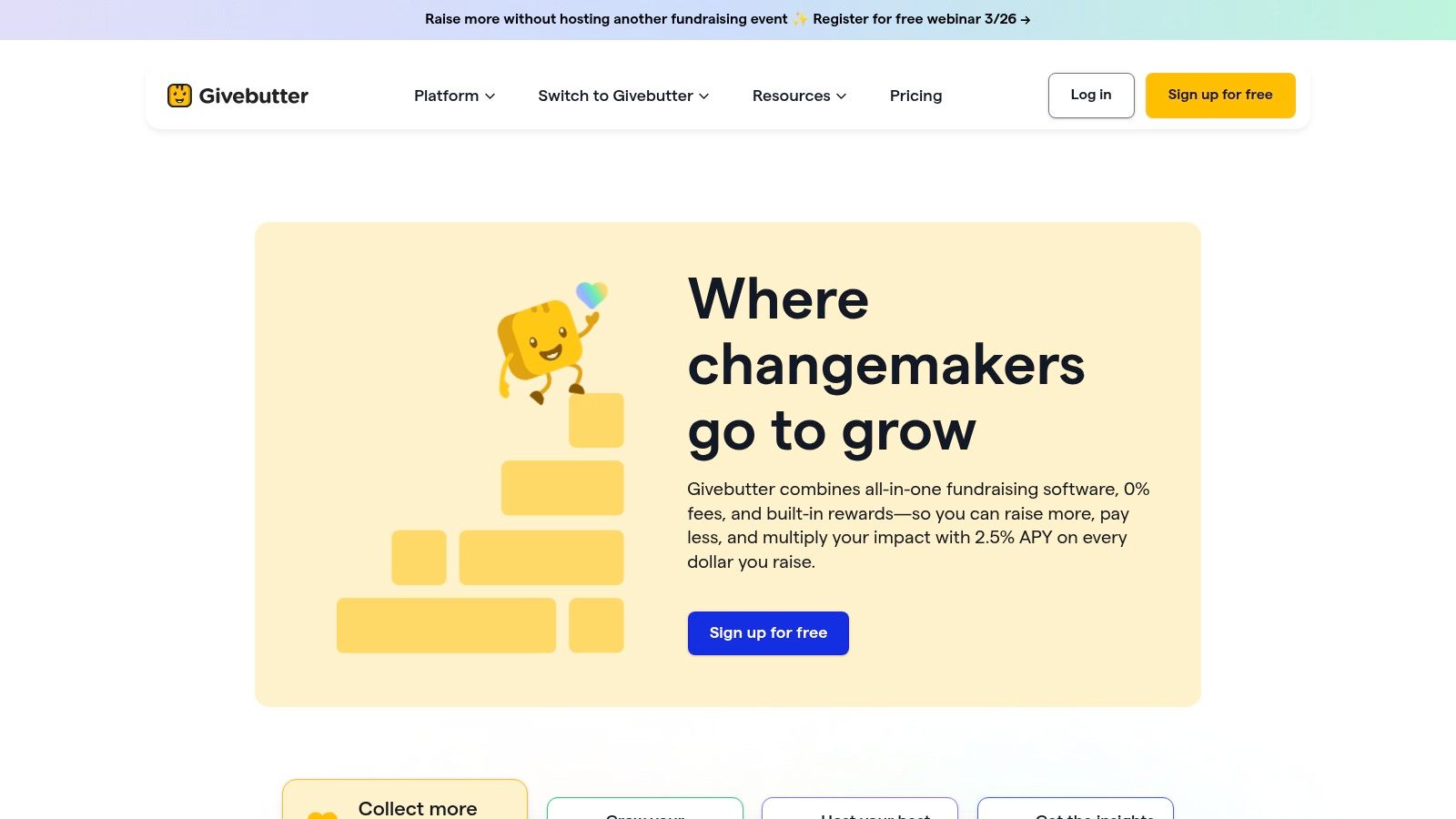
What sets Givebutter apart is its breadth of features available at no subscription cost, making it one of the most accessible fundraising tools for nonprofits just starting out or operating on tight budgets. Its user-friendly interface simplifies the creation of engaging campaign pages and event ticketing workflows. While the free tier is robust, organizations can access more advanced marketing automation and texting capabilities through the paid Givebutter Plus plan. This blend of accessibility and functionality helps organizations explore diverse sources of funding for nonprofits with minimal financial risk.
Platform Details
| Feature | Description |
|---|---|
| Best For | Small to mid-sized nonprofits needing a free, all-in-one platform for donations, events, and auctions. |
| Pricing | Free (powered by optional donor tips); Paid plans (Pro and Premium) are available for advanced features. |
| Pros | Generous free tier with broad feature coverage; quick to set up and launch campaigns; integrated donor communication tools. |
| Cons | Some advanced functions and deeper integrations have mixed user feedback; outbound SMS requires a paid plan. |
Practical Tip: Maximize your campaign's reach by activating the peer-to-peer functionality. Encourage your most passionate supporters to create their own fundraising pages. Givebutter makes this easy, and it can exponentially increase your donor base by tapping into your supporters' personal networks.
4. Donorbox
Donorbox is a powerful yet straightforward fundraising solution designed for speed and efficiency, making it a favorite among small to medium-sized nonprofits. It excels at creating high-converting donation forms and pages that can be set up in minutes. The platform supports a wide array of fundraising needs, from simple donation buttons and recurring giving programs to more involved features like text-to-give, peer-to-peer campaigns, and event ticketing, all without a steep learning curve.
The primary appeal of Donorbox is its accessibility and focus on the donor experience. Its forms are optimized for mobile and support a broad range of payment options, including digital wallets like Apple Pay and Google Pay, which helps reduce friction at checkout. This combination of ease of use for the nonprofit and a simple, quick process for the donor makes it one of the most effective fundraising tools for nonprofits looking to grow their individual giving programs quickly.
Platform Details
| Feature | Description |
|---|---|
| Best For | Small to medium-sized nonprofits needing a fast, flexible, and easy-to-use donation processing system. |
| Pricing | Starts with a 1.75% platform fee for the Standard plan; Pro and Premium plans offer lower rates. Add-on features may have separate costs. |
| Pros | Very fast to implement; wide feature set for small teams; flexible payment options (Stripe/PayPal, digital wallets). |
| Cons | Platform fees can add up, especially with add-ons; some users report occasional workflow friction or support delays. |
Practical Tip: Enable the "Repeat donation" feature on your forms. It allows donors who have previously given to complete a new donation with a single click, which can dramatically improve your rate of repeat giving from loyal supporters.
5. Neon One (Neon CRM + Neon Fundraise)
Neon One provides a unified ecosystem for nonprofits that prefer to source their core operational and fundraising software from a single vendor. It combines the deep constituent management of Neon CRM with the modern campaign capabilities of Neon Fundraise, making it a solid choice for organizations looking to consolidate their tech stack. This platform is designed for nonprofits that need robust tools for fundraising, events, memberships, and email marketing all tied directly into their donor database.

The primary advantage is its all-in-one nature; having a single source for CRM and fundraising simplifies data flows and vendor management. Neon Fundraise, its dedicated fundraising module, adds powerful peer-to-peer and event fundraising features, complete with gamification elements like badges to drive engagement. While the two systems are distinct, their integration makes Neon One one of the more comprehensive fundraising tools for nonprofits that want a central system of record. To get a better sense of how it compares to other systems, you can check out our guide to the best CRM software for nonprofits.
Platform Details
| Feature | Description |
|---|---|
| Best For | Organizations wanting to combine their CRM and fundraising tools under one vendor. |
| Pricing | Separate, quote-based pricing for Neon CRM and Neon Fundraise; requires contact with sales. |
| Pros | Broad native functionality and a strong peer-to-peer/event stack; extensive training resources and support. |
| Cons | Pricing can be complex with separate contracts; some users report a learning curve and uneven user experience in certain modules. |
Practical Tip: Take full advantage of Neon One's extensive training resources, including their academy and support channels. Since the system is so broad, investing time upfront in learning the different modules will pay dividends in your ability to manage campaigns and donor data effectively.
6. Bloomerang (Giving Platform + CRM)
Bloomerang positions itself as more than just a giving platform; it’s a donor retention-focused CRM with deeply integrated fundraising capabilities. It is designed for nonprofits that prioritize building and maintaining long-term donor relationships. The platform combines a powerful contact database with modern online giving forms, email marketing, and reporting tools, all centered on the principle of donor stewardship. This approach helps organizations see the full picture of their supporter engagement and raise funds more effectively.
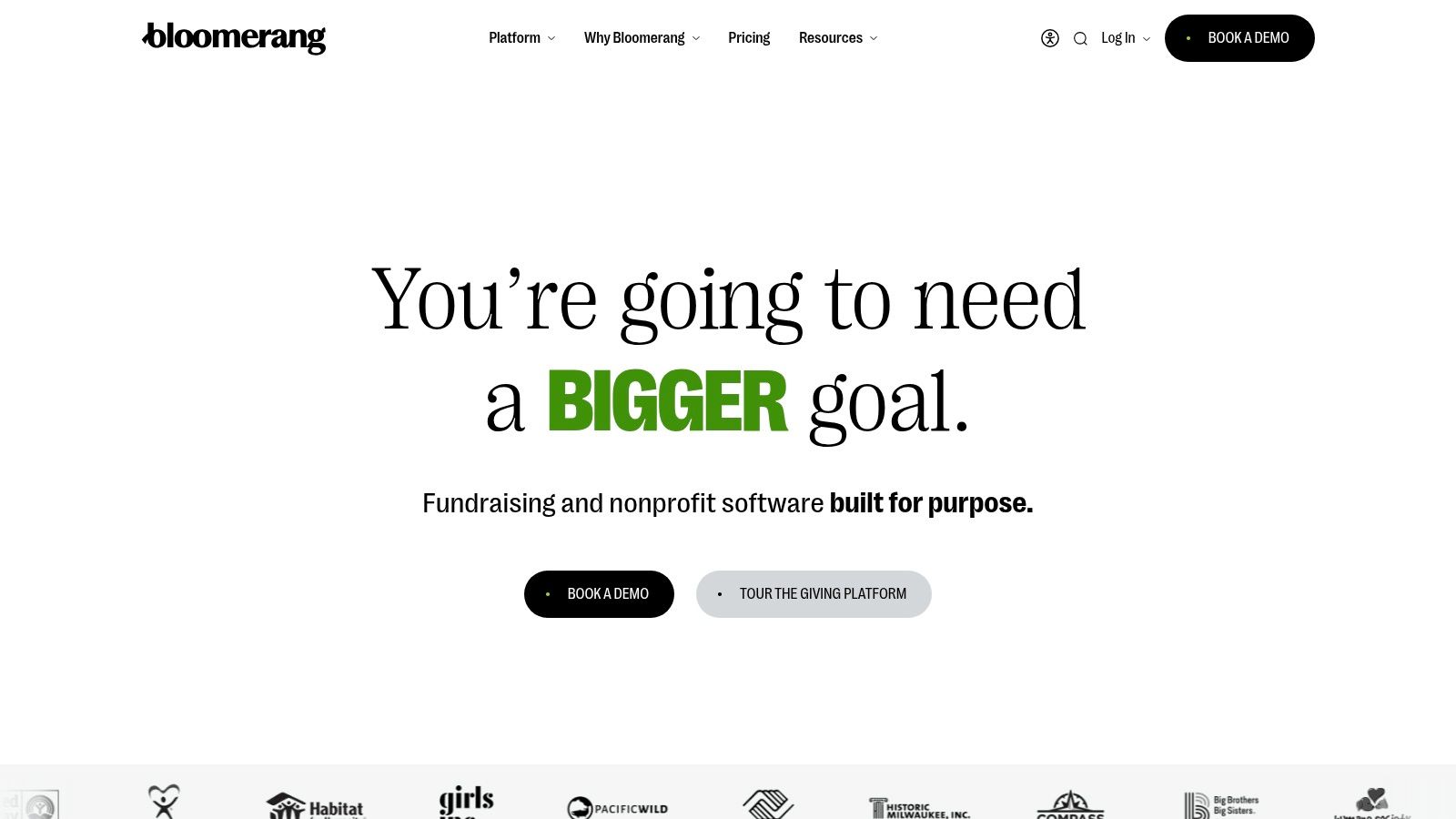
The platform’s strength lies in its unified nature. With Bloomerang Payments, nonprofits can process donations through optimized forms that accept Apple Pay, PayPal, and Venmo, with an “Express Donate” option for one-click giving. Because giving tools are native to the CRM, all data flows directly into donor profiles, eliminating the administrative work of reconciling data from separate systems. This makes Bloomerang one of the most practical fundraising tools for nonprofits focused on data-driven stewardship and sustainable growth.
Platform Details
| Feature | Description |
|---|---|
| Best For | Small to mid-sized nonprofits prioritizing donor retention and seeking an all-in-one CRM and giving solution. |
| Pricing | Subscription plans scale based on the number of contact records; payment processing fees apply. |
| Pros | Strong focus on donor retention and stewardship; integrated CRM and giving tools reduce administrative work. |
| Cons | Advanced event or auction features may require partner tools; pricing can increase as your contact list grows. |
Practical Tip: Use the donor engagement meter on each contact record. This visual tool scores a donor's level of interaction based on their giving history, communications, and other activities, helping you quickly identify who to thank, cultivate, or re-engage.
7. Qgiv
Qgiv offers a flexible, à la carte approach to fundraising, making it an excellent choice for nonprofits that want to build their toolkit gradually. Instead of committing to a monolithic system, organizations can start with essential donation forms and add modules for events, text fundraising, peer-to-peer campaigns, or auctions as their needs evolve. This modularity is ideal for small-to-mid-sized teams that require specific functionalities without the overhead of a full-scale CRM.
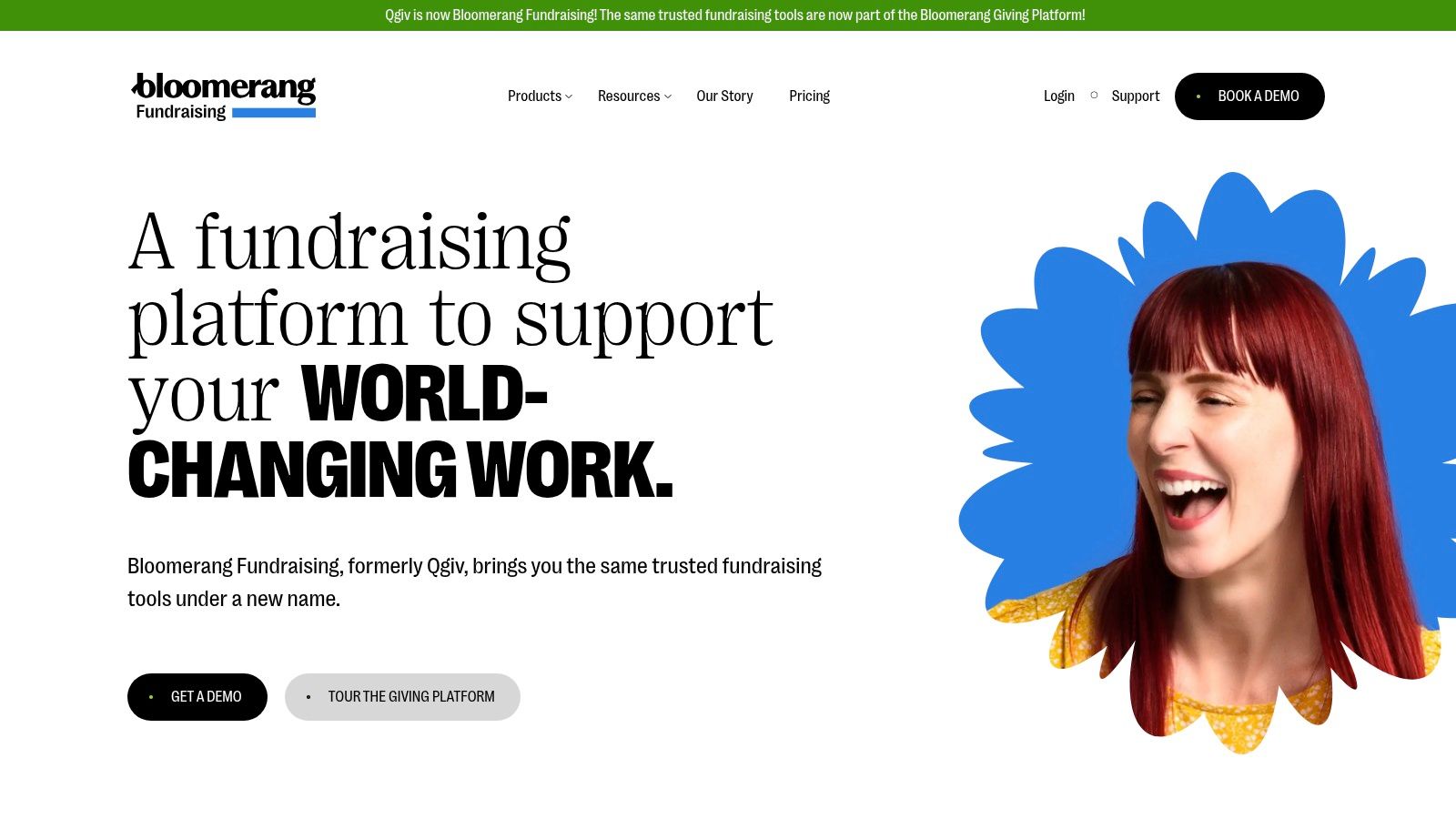
The platform’s strength lies in its transparent, month-to-month pricing and a broad set of tools that can be enabled or disabled as needed. Qgiv stands out as one of the few fundraising tools for nonprofits that provides robust peer-to-peer and auction capabilities without forcing users into a restrictive, all-in-one package. Its user-friendly interface and dedicated customer support make it a reliable partner for organizations aiming to expand their fundraising channels one step at a time.
Platform Details
| Feature | Description |
|---|---|
| Best For | Organizations wanting to scale their fundraising tools with modular, month-to-month pricing. |
| Pricing | Starts at $0/month for basic donation forms (plus processing fees); paid plans with more modules start at $49/month. |
| Pros | Transparent, modular pricing with month-to-month flexibility; broad toolset without requiring an all-in-one CRM. |
| Cons | Total cost increases as you add modules; advanced CRM and marketing often require integrations. |
Practical Tip: Start with the core donation form module. As you plan your first text-to-donate or peer-to-peer campaign, you can activate the corresponding module for a few months and then deactivate it, giving you access to powerful features without a long-term financial commitment.
8. OneCause
OneCause is a go-to platform for nonprofits whose fundraising strategy centers on events, particularly galas and auctions. Its strength lies in creating a seamless guest experience, from ticketing and mobile bidding to text-based engagement and streamlined checkouts. This makes it an excellent choice for organizations aiming to maximize revenue and engagement during high-stakes, in-person fundraising events.
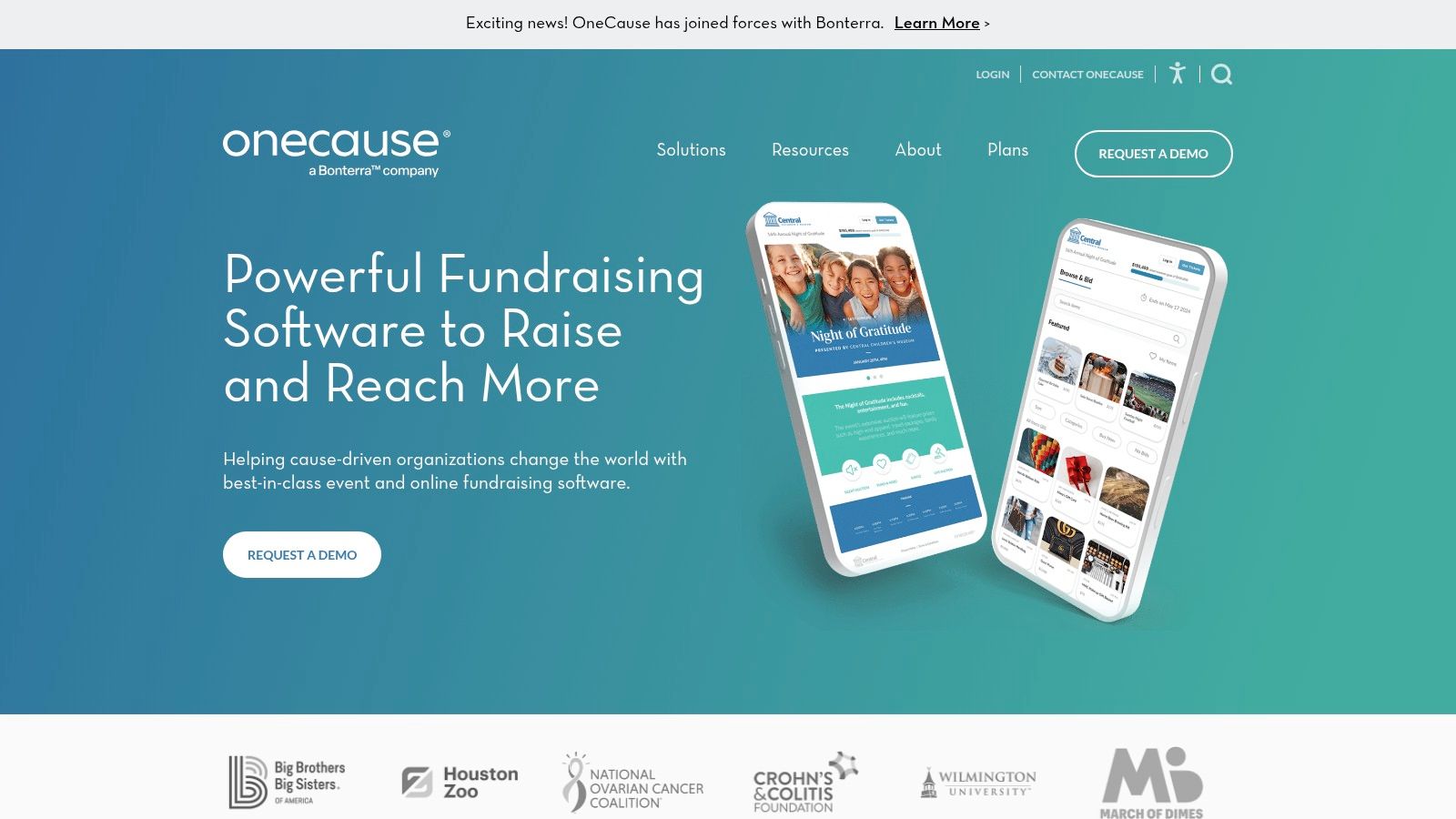
The platform stands apart with its field-tested workflows designed for live events. Features like mobile bidding, silent auction management, and paddle-raise donation capture are built to perform reliably in a fast-paced environment. By focusing on the specific needs of event-based fundraising, OneCause provides a dedicated solution that other, more general fundraising tools for nonprofits might lack. This focus ensures every touchpoint, from pre-event reminders to post-event thank yous, is optimized.
Platform Details
| Feature | Description |
|---|---|
| Best For | Nonprofits heavily reliant on auctions, galas, and other complex fundraising events. |
| Pricing | Quote-based and varies by package; nonprofits must contact sales for details. |
| Pros | Deep event and auction feature set; proven workflows for paddle-raises and guest checkout; strong text-to-give tools. |
| Cons | Pricing can be premium, potentially making it less accessible for smaller events; some users report variable support quality. |
Practical Tip: Use the text-to-give and messaging features to create a communication plan that starts weeks before your event. Send auction item previews, mission moments, and logistical updates to build excitement and ensure guests arrive ready to give.
9. Funraise
Funraise offers a modern and comprehensive suite of fundraising tools designed for small to mid-sized nonprofits. It excels at creating polished, branded donation websites and campaign pages that provide a smooth donor experience. The platform is built around a donor-covered-fees model, which encourages supporters to cover transaction costs, significantly reducing the effective platform expense for the organization.
The platform’s strength lies in its user-friendly interface and helpful onboarding process, making it accessible for teams without dedicated IT staff. Key features like automated peer-to-peer campaigns, SMS communication tools, and a direct sync with Facebook Fundraisers provide multiple avenues for donor engagement. For organizations looking for a slick front-end experience and a cost-effective payment processing model, Funraise is one of the more compelling fundraising tools for nonprofits available today.
Platform Details
| Feature | Description |
|---|---|
| Best For | Small to mid-size teams needing polished campaign sites and a donor-covered-fees model. |
| Pricing | Offers a free plan for basic needs; paid plans are quote-based and unlock more advanced features. |
| Pros | Modern UX for campaign sites; donor fee-cover model can reduce net costs; helpful onboarding. |
| Cons | Advanced features require higher-tier plans; some users report data-sync and overwrite edge cases. |
Practical Tip: Fully test the Facebook Fundraiser sync feature before launching a major campaign. Understanding how data flows between the two platforms and how it populates your donor database can prevent data management headaches later on.
10. Mightycause
Mightycause provides an accessible and budget-friendly entry point into online fundraising, making it an excellent option for small to mid-sized nonprofits. The platform offers a full suite of core tools, including unlimited donation pages, peer-to-peer campaigns, and event management, with a notable free-to-start tier. This makes it a go-to choice for organizations needing essential functionality without a significant upfront investment or for groups hosting community-wide giving days.
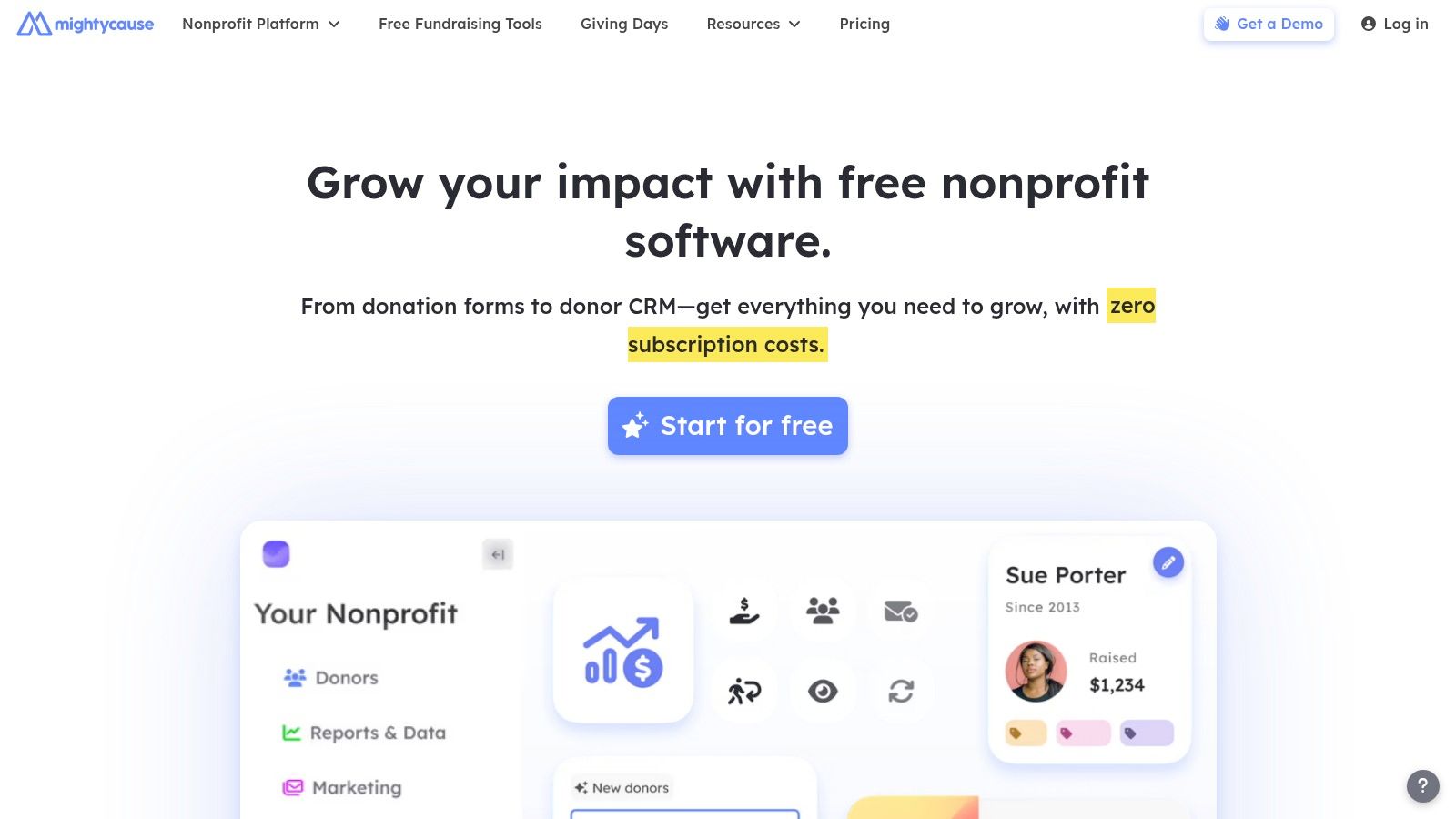
The platform’s strength lies in its simplicity and streamlined templates, which allow teams to launch P2P or event campaigns quickly. Mightycause also has specific infrastructure for giving events, including sponsor management and leaderboard features, which sets it apart from other entry-level fundraising tools for nonprofits. While its most powerful features and dedicated support are reserved for paid subscribers, its free "Essentials" plan provides more than enough to get a new fundraising program off the ground and test different campaign types.
Platform Details
| Feature | Description |
|---|---|
| Best For | Small nonprofits, grassroots organizations, and giving-day hosts needing affordable, easy-to-use tools. |
| Pricing | Starts with a free "Essentials" plan (platform and processing fees apply); paid "Advanced" plan available for a monthly subscription. |
| Pros | Free-to-start plan with a broad set of core features; streamlined setup for peer-to-peer and events; strong giving-day capabilities. |
| Cons | Advanced features and dedicated support require a paid plan; some fee details are found in support docs rather than the main pricing page. |
Practical Tip: Use the customizable donation widgets to embed a donation form directly on your organization's main website. This creates a seamless giving experience, keeping donors on your site and potentially increasing conversion rates by reducing the number of clicks needed to give.
11. Give Lively
Give Lively is a unique and values-driven platform, providing a suite of powerful fundraising tools completely free of charge to approved 501(c)(3) nonprofits. It is funded directly by philanthropists, a model that allows it to bypass platform fees and mandatory donor tipping prompts common on other "free" sites. This makes it an exceptional choice for small to mid-sized nonprofits and lean teams who need robust functionality without the budget for expensive software subscriptions.
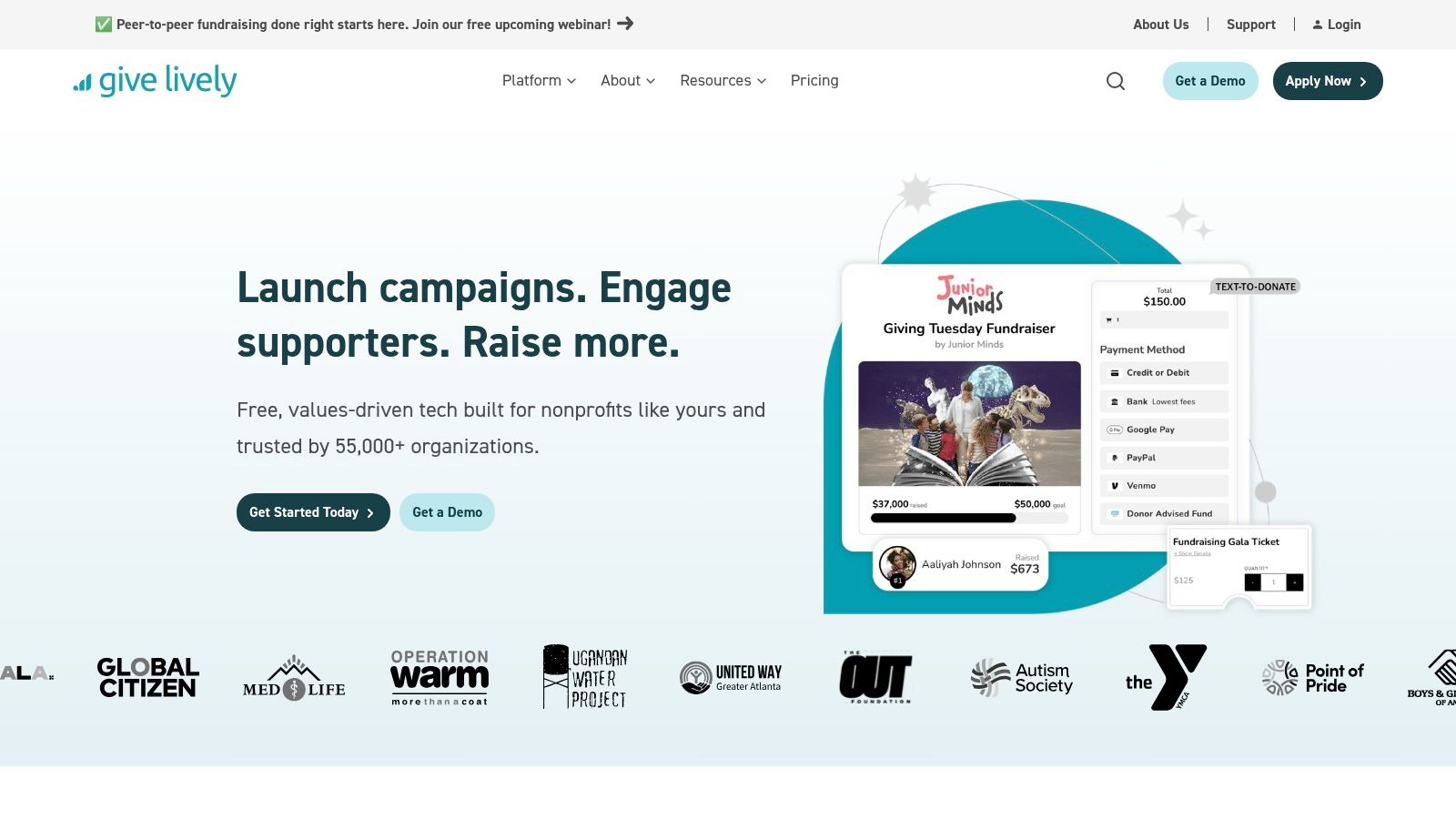
The platform provides a solid foundation of essential fundraising tools for nonprofits, covering everything from simple donation pages and widgets to peer-to-peer campaigns, event ticketing, and even text-to-donate capabilities. A standout feature is its free native integration with Salesforce, a connection that often costs thousands of dollars on other platforms. While it may not have the enterprise-level depth of some competitors, its commitment to being genuinely free makes it a vital resource for cost-conscious organizations.
Platform Details
| Feature | Description |
|---|---|
| Best For | Small to mid-sized nonprofits needing a genuinely free, full-featured platform for core fundraising activities. |
| Pricing | Free for approved 501(c)(3) nonprofits; standard payment processor fees (Stripe/PayPal) still apply. |
| Pros | Truly free platform use with no tipping prompts; solid coverage of core fundraising modes; includes a free native Salesforce integration. |
| Cons | Requires application and approved 501(c)(3) status to access; feature set is generalist rather than enterprise-extensive. |
Practical Tip: Utilize the text-to-donate feature during live or virtual events. Display the unique code on screen and encourage real-time giving; the live display feature can show donations as they come in, creating social proof and a sense of shared momentum.
12. Zeffy
Zeffy offers a compelling proposition for small to medium-sized nonprofits: a completely free suite of essential fundraising tools. The platform operates on a unique model where 100% of the donation goes to the nonprofit, with Zeffy asking donors for an optional tip to cover its operational costs. This makes it an attractive choice for organizations that need to maximize every dollar and require straightforward tools for donations, event ticketing, and membership management without a hefty price tag or per-transaction platform fee.
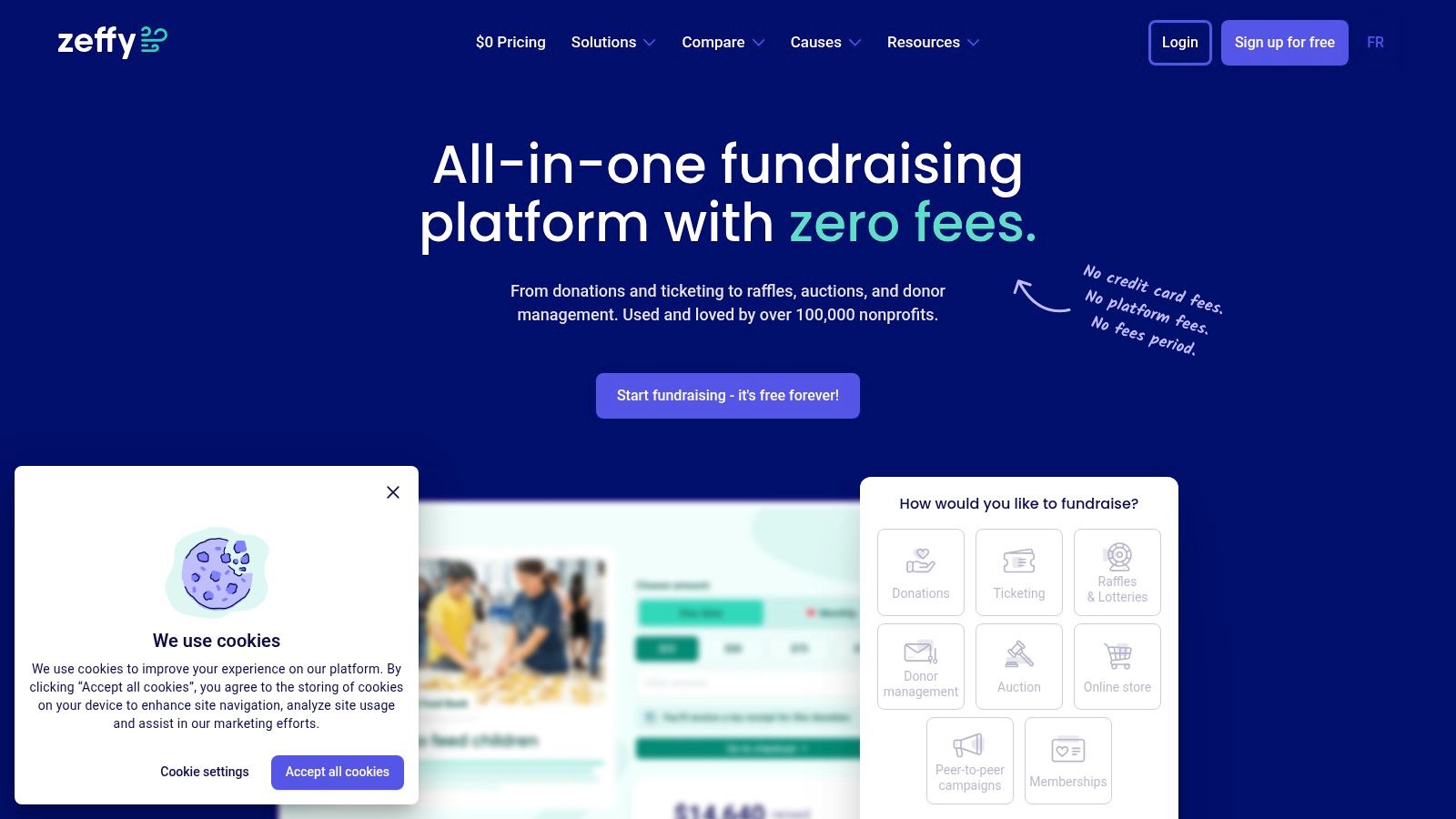
The platform is designed for rapid deployment, allowing nonprofits to create donation forms, sell event tickets, and manage memberships with minimal technical expertise. Its standout feature is its 0% platform fee, which sets it apart from nearly all other fundraising tools for nonprofits. While the feature set may not be as deep as enterprise-level systems, Zeffy provides the core functionality that most smaller organizations need to get their fundraising programs online quickly and cost-effectively, including recurring giving options and simple check-in tools for events.
Platform Details
| Feature | Description |
|---|---|
| Best For | Small to mid-sized nonprofits seeking a 100% free platform for core fundraising needs like donations, ticketing, and memberships. |
| Pricing | $0 platform fees. Zeffy is funded by optional tips from donors. Standard payment processing fees still apply. |
| Pros | Truly free platform with no subscription or platform fees; easy-to-use interface for quick setup; includes event ticketing and membership tools. |
| Cons | Feature depth is less than premium platforms; the tip-based model may require clear donor communication to be effective. |
Practical Tip: When setting up a donation form, be transparent with your donors about how Zeffy's model works. You can add a small note near the donation button explaining that an optional tip to Zeffy helps keep the platform free for your organization, which can encourage participation and build trust.
Top 12 Nonprofit Fundraising Tools Comparison
| Product | Core features | UX & quality (★) | Pricing / Value (💰) | Target audience & USP (👥 ✨) |
|---|---|---|---|---|
| Fundsprout 🏆 | AI opportunity discovery, RFP analyzer, DraftAI writing, deadline & compliance tracking | ★★★★★ — end-to-end grants workflow | 💰 Free signup + 14‑day trial; custom plans | 👥 Small–mid nonprofits, lean dev teams · ✨ AI-matched pipeline, citation & audit trail |
| GoFundMe Pro (Classy) | Campaigns, P2P, events, advanced integrations (Salesforce) | ★★★★ — mature fundraising tools | 💰 Quote-based; add-ons increase cost | 👥 Growing orgs seeking scale · ✨ GoFundMe network discovery |
| Givebutter | Donations, P2P, events, built-in email/SMS | ★★★★ — quick launch, polished comms | 💰 Generous free tier; Plus for SMS | 👥 Small–mid teams; rapid setup · ✨ Optional tip model, broad features |
| Donorbox | Hosted/embedded forms, text-to-give, memberships | ★★★★ — high conversion focus | 💰 Tiered fees; add-on costs (text) | 👥 Small orgs wanting payment flexibility · ✨ One-tap & wide payment support |
| Neon One | CRM + fundraising, events, peer-to-peer | ★★★★ — feature-rich CRM stack | 💰 Modular pricing (CRM + Fundraise) | 👥 Orgs needing unified CRM · ✨ Deep P2P/events + training resources |
| Bloomerang | Donor-retention CRM + integrated giving | ★★★★ — retention-focused UX | 💰 Scales by records; processing fees apply | 👥 Donor-focused orgs · ✨ Retention reporting & native payments |
| Qgiv | Modular donation, events, text, auctions | ★★★ — transparent, modular tools | 💰 Month-to-month module pricing | 👥 Teams that grow feature-by-feature · ✨ Flexible module model |
| OneCause | Mobile bidding, auction & event management | ★★★★ — strong onsite guest experience | 💰 Quote-based; premium for smaller events | 👥 Gala/event-focused orgs · ✨ Proven auction/mobile bidding workflows |
| Funraise | Branded sites, P2P, SMS/email, fee-cover model | ★★★★ — modern campaign UX | 💰 Tiered; fee-cover can lower net costs | 👥 Small–mid teams seeking polished sites · ✨ Donor fee-cover workflows |
| Mightycause | Donation & P2P pages, event templates | ★★★ — budget-friendly core features | 💰 Free starter tier; paid plans for advanced | 👥 Small nonprofits & giving-day hosts · ✨ Simple templates & sponsor tools |
| Give Lively | Free donation pages, P2P, events, Salesforce native | ★★★★ — no-cost core fundraising | 💰 Free for approved 501(c)(3) orgs | 👥 Lean teams on tight budgets · ✨ Truly free (philanthropist-funded) |
| Zeffy | 0% platform fee donations, events, memberships | ★★★ — fee-minimizing toolkit | 💰 0% platform fee; optional donor tips | 👥 Small nonprofits prioritizing low fees · ✨ No-platform-fee model |
Final Thoughts
We've explored a dozen powerful platforms, each offering a distinct approach to raising money for your cause. From all-in-one CRM and fundraising suites like Neon One and Bloomerang to nimble, user-friendly options like Givebutter and Donorbox, the market for fundraising tools for nonprofits is rich with possibilities. This variety is a strength, but it also places the responsibility on you, the nonprofit leader, to choose with intention.
The core lesson from this detailed review is that there is no single "best" platform for everyone. The ideal tool is a direct reflection of your organization's specific context. A small, volunteer-run animal shelter has fundamentally different needs than a national health advocacy organization with a multi-million dollar budget. Your choice must align with your team's technical comfort, your fundraising strategy, and, most importantly, your budget.
Making Your Decision: A Practical Framework
As you move from reading to deciding, return to the foundational questions. Don't get sidetracked by a long list of features you may never use. Instead, anchor your evaluation in your daily operational reality.
Identify Your Primary Pain Point: What is the single biggest fundraising challenge you need to solve right now? Is it streamlining online donations (look at Donorbox or Give Lively)? Is it managing complex donor relationships over time (consider Bloomerang)? Or is it running a high-stakes peer-to-peer event (GoFundMe Pro or OneCause might be your answer)? Start with the most urgent need.
Map Your Supporter's Journey: Consider how your donors interact with you. Are they older and prefer mail-in checks but you want to introduce them to online giving? Are they a younger, mobile-first audience that expects text-to-donate options? The right tool will meet your supporters where they are. In this process, remember that the 'best' tools are often those that ensure broad access. Consider how various web accessibility widgets can improve the inclusivity of your fundraising pages, ensuring supporters with disabilities can contribute without barriers.
Conduct a Realistic Budget and Time Audit: Be honest about your financial and human resources. A powerful, complex system might seem appealing, but it's worthless if your team lacks the time for proper training and implementation. Sometimes, a simpler, more affordable tool that gets used to its full potential is far more valuable than a top-tier platform that gathers digital dust. Remember to account for platform fees, payment processing fees, and any add-on costs.
A Final Word of Encouragement
Selecting and implementing new software can feel daunting. It represents a significant investment of time, money, and energy. Yet, the right fundraising tools for nonprofits are not just operational expenses; they are strategic investments in your mission's future. They are the digital infrastructure that connects your cause to the people who believe in it.
By taking a measured, strategic approach to your selection, you are setting your organization up for more efficient operations, deeper donor relationships, and, ultimately, greater impact. You are building the capacity to do more good in the world, one donation at a time.
Ready to supercharge your grant-seeking efforts with the power of AI? Fundsprout helps you find perfect-fit grant opportunities and drafts compelling proposals in minutes, not weeks. Try Fundsprout today and turn your grant writing process into your fundraising superpower.
Try 14 days free
Get started with Fundsprout so you can focus on what really matters.